Engraving an irregular or curved shaped object, like a gun stock, can be quite the challenge. We’re going to show you a few different CorelDRAW techniques and tools that will make the task of engraving on a curved surface like this much easier. For this exercise, we’ll be demonstrating how (...)
Laser Systems and Printed Circuit Boards
One of the most common questions we get at Epilog is “can your lasers do printed circuit boards?” The answer is multifaceted and, depending on the application, there are some ways to use lasers with PCBs. Here we’ll take a look at the some PCB applications suited for a laser (...)
Updating the Firmware
In firmware version 1.0.9.0, the update process has been streamlined for efficiency. Systems running 1.0.9.0 or later can update using the methods below. Click the USB / Network tabs to view instructions for each update method. Download the latest firmware file from the Official Drivers and Firmware Page before beginning. (...)
Control Module Replacement – Fusion Pro 32 & 48
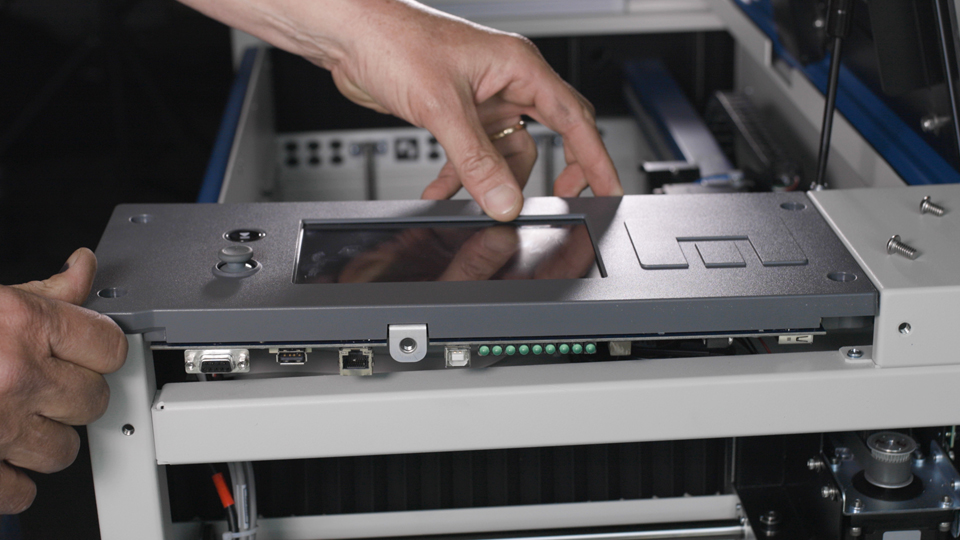
This document provides a step-by-step guide on how to replace the control board in your laser system. Replacing the control board is a crucial process that ensures your laser operates efficiently and reliably. Follow these instructions carefully to safely remove the old control board and install the new one, getting (...)
Edge Stand Assembly
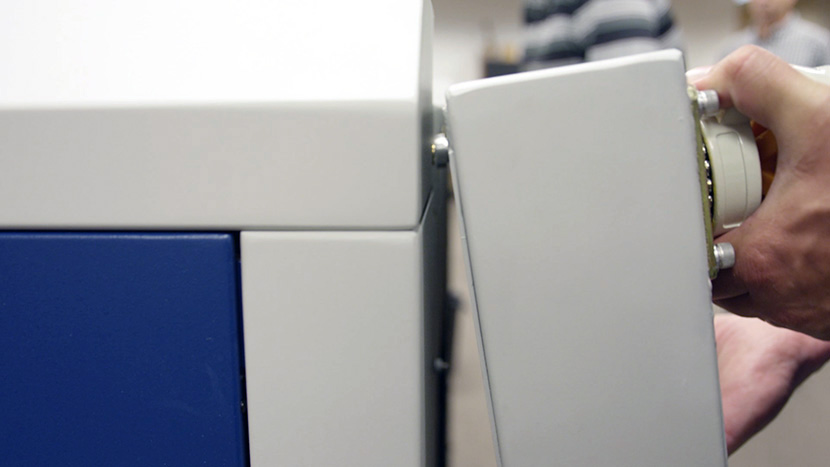
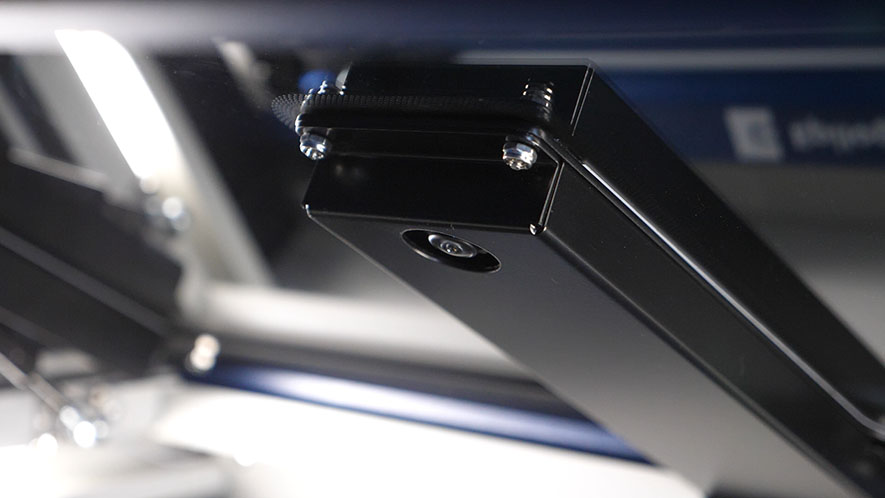
The Fusion Edge Stand is an essential accessory designed to support your laser system with stability and ease of mobility. Whether you’re setting up a new machine or replacing an existing stand, this guide provides step-by-step instructions to help you assemble the stand safely and efficiently. By carefully following each (...)
CO2 Laser Replacement Checklist / No Output
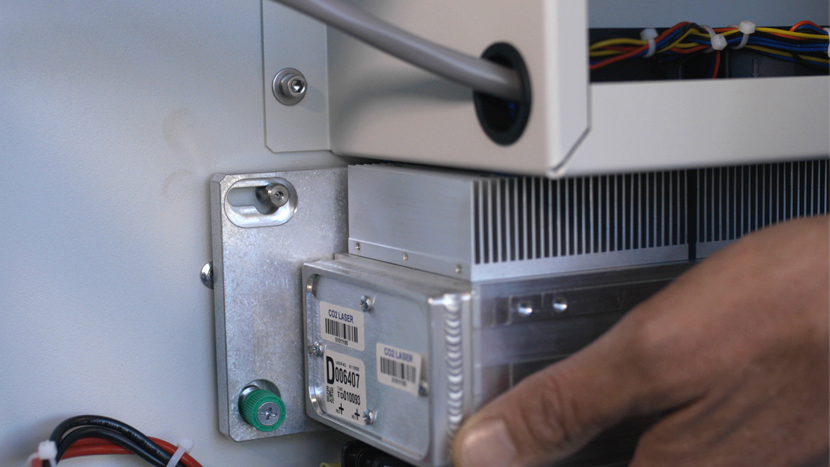
These items should be checked before replacing a CO2 laser tube with no output. If the laser has been inactive for more than one (1) month, follow the Extended Cold Start Guide first. The goal of this document is to determine the operational status of the CO2 laser in a (...)
Maximum Rotary Attachment Diameters
Maximum diameter that will fit on the Rotary Attachment for each system Epilog Zing 24: 5.25″ (133mm) Epilog Mini 18: 3″ (76mm) Epilog Mini 24: 5″ (127mm) Epilog Helix: 8″ (203mm) Fusion 32: 10.75″ (273 mm) Fusion 40: 10.75″ (273 mm) Fusion M2 32: 10.25″ (260 mm) Fusion M2 40: (...)
IRIS Camera Calibration Guide
Estimated Time: 20–40 Minutes • Skill Level: Intermediate Important: All focus calibration procedures must be completed before performing a camera calibration to ensure accurate results. Click the tabs below to switch between machine types. Each tab shows the camera calibration procedure specific to that machine. Overview & Requirements Fusion Edge (...)
Job Generator
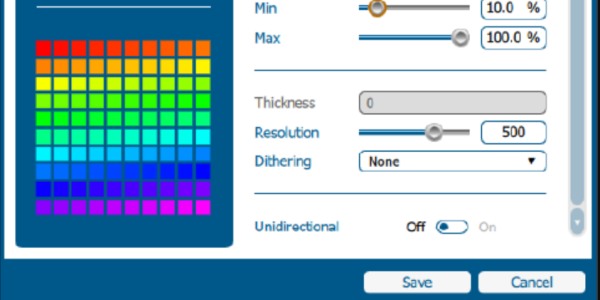
The Job Generator is a new feature available in version 2.2.14 of the Epilog Software Suite. It generates a grid of diverse settings and parameters to assist in finding the ideal settings for a specific material. This document will walk you through the setup and basic functionality of this powerful (...)
Quick Guide: Calibrating the Joystick for Accurate Movement
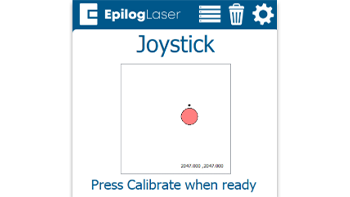
Steps to Calibrate the Joystick Open the Settings Menu On the display panel, press the gear icon in the top-right corner to open the Settings menu. Image 1: Home screen with gear icon in top-right corner Access Advanced Settings Press and hold the word “Settings” on the screen until the (...)
Driver and Firmware Downloads
You can find the latest versions of Epilog Laser’s driver and firmware software available for download at www.epiloglaser.com/support/drivers/. To stay informed when a new driver version is released, join the Driver Notification mailing list located on that page.