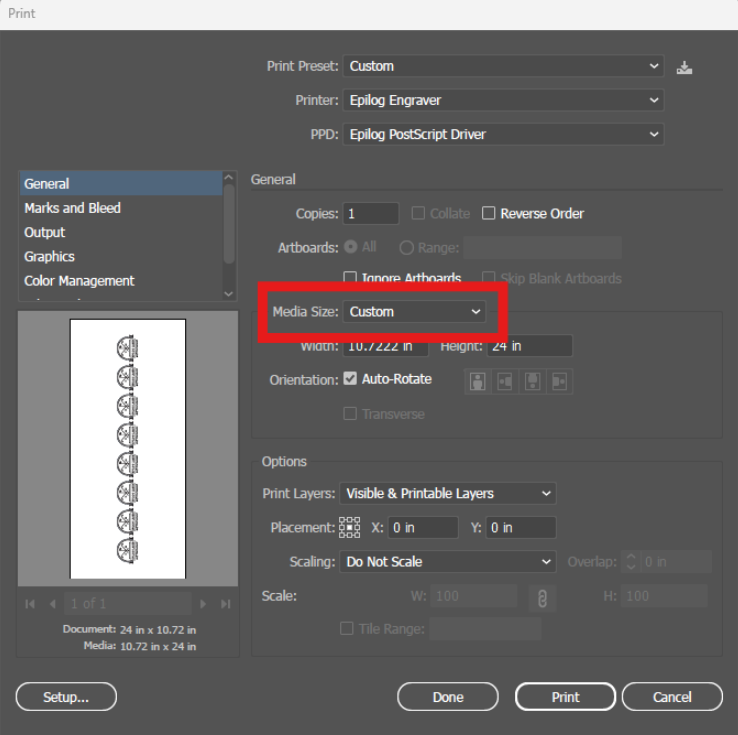
Software Setup CorelDRAW Setup Open CorelDRAW. Note: CorelDRAW Graphics Suite is the recommended CorelDraw version for use with Epilog Laser systems. Other versions, such as the Student or Standard version, may have different menu options and settings. Select Tools > Options > Global > Printing > Driver Compatibility. Choose Epilog (...)
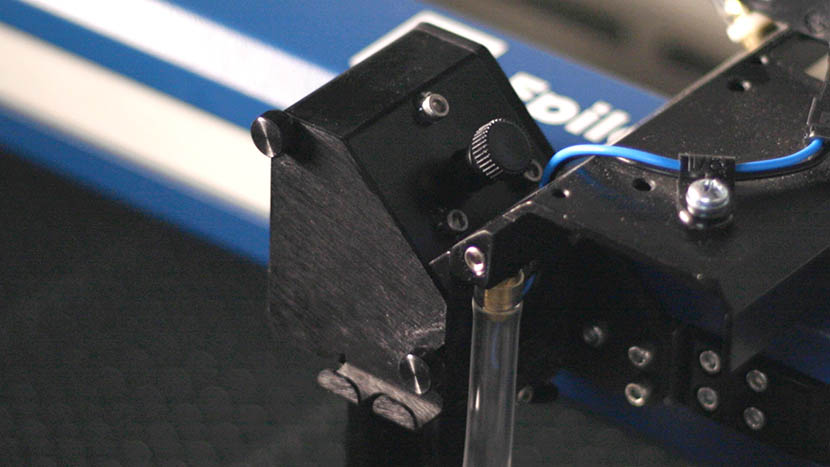
Autofocus Switch Replacement – Fusion Maker, Edge, Pro 24 & 36
This procedure outlines the steps required to safely and effectively replace the Autofocus Switch on the Fusion Maker, Edge, and Pro, laser system. The Autofocus Switch is a critical component responsible for maintaining the proper focal distance during operation. This document provides detailed instructions to ensure proper removal, and installation (...)
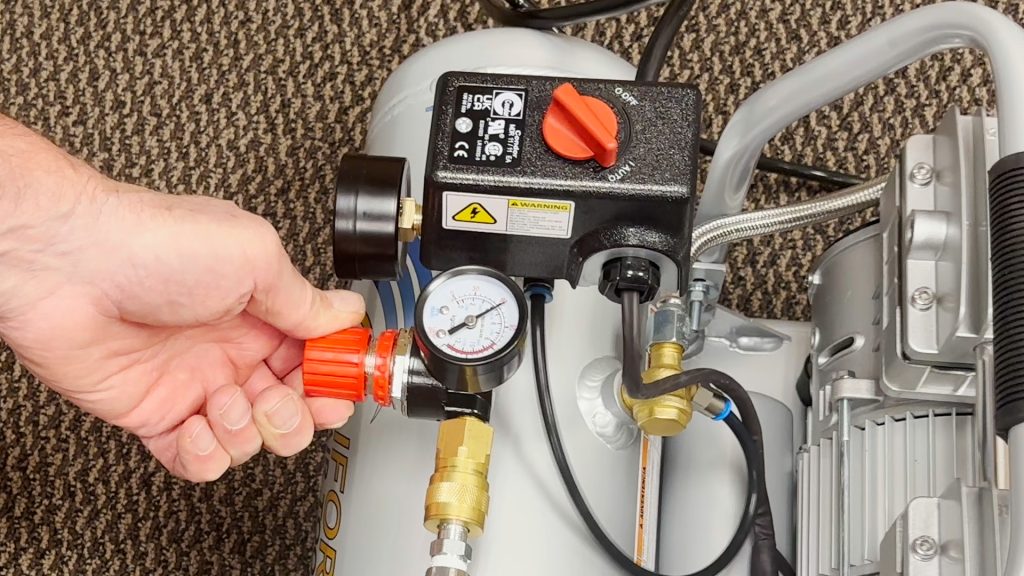
Air Assist Setup – Fusion Pro (Large Aperture)
Exhaust Port Setup After uncrating your machine, you’re ready to set up your Fusion Pro laser machine. The plug to your laser machine is located at the back of the machine and will be placed inside the exhaust port. The plug is a 220 Volt 20 Amp plug. Remove the (...)
Optics Cleaning – Fusion Maker, Edge, and Pro
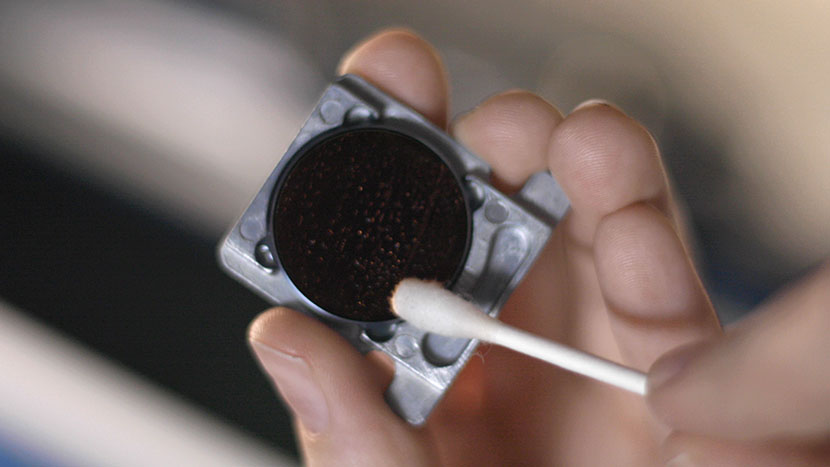
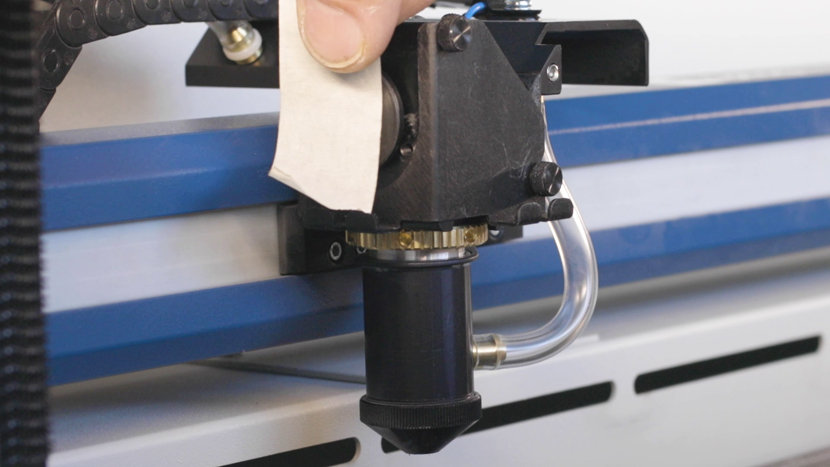
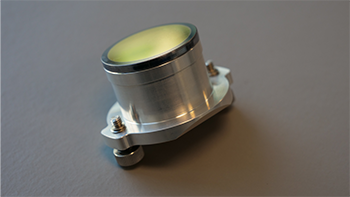
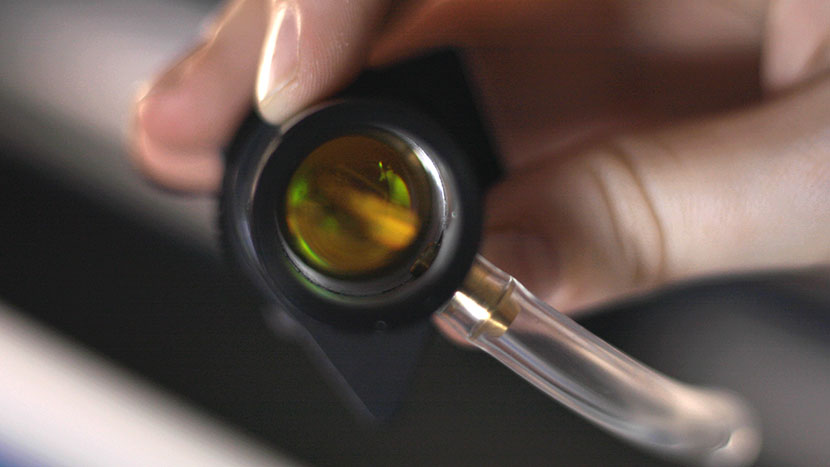
Daily Maintenance Cleaning Remove the lens and carriage mirror. Safely detach both the lens and carriage mirror using the video guide below. Figure 1. Lens and carriage mirror removal process. Carriage Optics Removal Steps Disconnect the air tubing from the lens. Loosen the thumb screws on the carriage cover and (...)
My Artwork isn’t showing up in the Epilog Dashboard
Explanation of the Symptoms When encountering this issue, you may see something similar to the image below—here we can see the artwork in the preview thumbnail, but the artwork does not appear in the work area: However, if zoomed out, we can see that the artwork did transfer to the (...)
Manual Focus Gauge Calibration – Fusion Maker, Edge, Pro
This procedure outlines the steps required to calibrate the manual focus gauge after completing the Focus Calibration Wizard. Proper calibration ensures that the gauge accurately reflects the correct focal height determined using the Calibration Wizard. Note: The Calibration Wizard is available only on firmware version 1.1.2.1 or later. To update (...)
How to Replace the X-Axis Motor Driver: Step-by-Step Guide
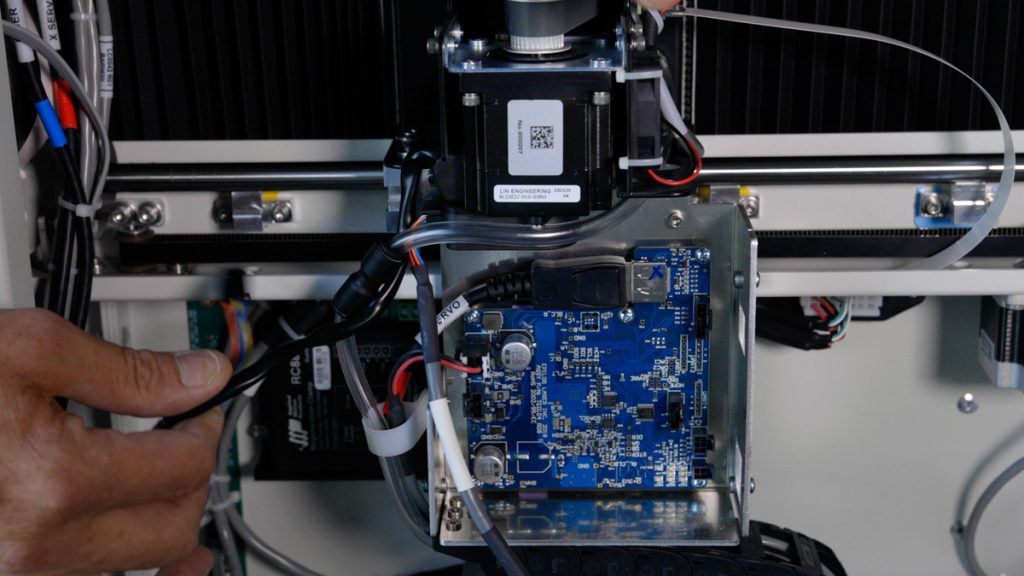
This guide will walk you through the process of removing, installing, and programming the X-Axis Drive Board for Fusion Edge and Pro 24 / 36 models. Proper precautions, including the use of an anti-static strap, are essential to ensure the safe handling of electronic components. Drive Board Replacement Procedure Models: (...)
Generating Machine Logs
Generating machine logs enables Epilog Technical Support to gather important information about the machine, aiding in its diagnosis and troubleshooting. The process is straightforward and requires either a USB flash drive or a network-connected machine. This guide will outline the steps for generating logs. Logs can be generated one of (...)
Laser Alignment (Large Aperture Optics) – Fusion Pro
To ensure your CO2 laser engraver delivers optimal performance and consistent cutting quality, proper beam alignment is essential. Over time, vibration, wear, or component replacement can cause the laser beam to deviate from its intended path. This can result in reduced cutting power, inconsistent engraving, or premature wear of optics. (...)
Large Aperture Optics Replacement – Fusion Pro
The Fusion Pro laser system includes four (4) mirrors in total. Mirrors 1, 2, and 3 are mounted using mirror holders and feature thermal compound between the mirror and holder to ensure proper heat transfer. This compound may need to be replaced if the mirrors are removed and reinstalled multiple (...)
Cleaning Procedures – Fusion Maker, Edge, and Pro
Regular cleaning of the Fusion Pro engraver will result in a longer service life of the engraver and less down time. Additionally, regular cleaning of the Fusion Pro engraver can mitigate the risk of flare-ups and other thermal events. A mild household cleaner or degreaser can be used to clean (...)
Control Module Replacement – Fusion Edge, Maker, Pro
The control module is a crucial component of your Fusion Maker, Fusion Edge, or Fusion Pro engraver, enabling seamless operation and precise control. This guide provides step-by-step instructions for safely removing and installing a new control module to ensure optimal performance. Following these procedures will help you maintain your engraver’s (...)