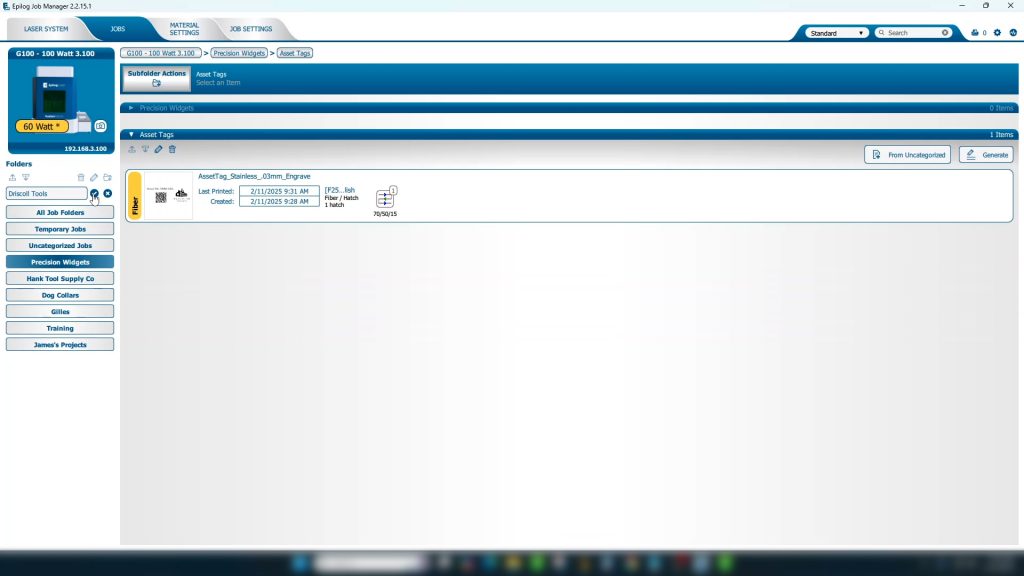
Naming Your File in Your Design Software When creating a file for the Epilog Laser, clarity is helpful down the line. A well-named file helps you identify your project instantly, even weeks later. It also ensures anyone on your team knows exactly what the file contains without opening it. A (...)
How to Set Up Graphics Software for Epilog Laser Systems
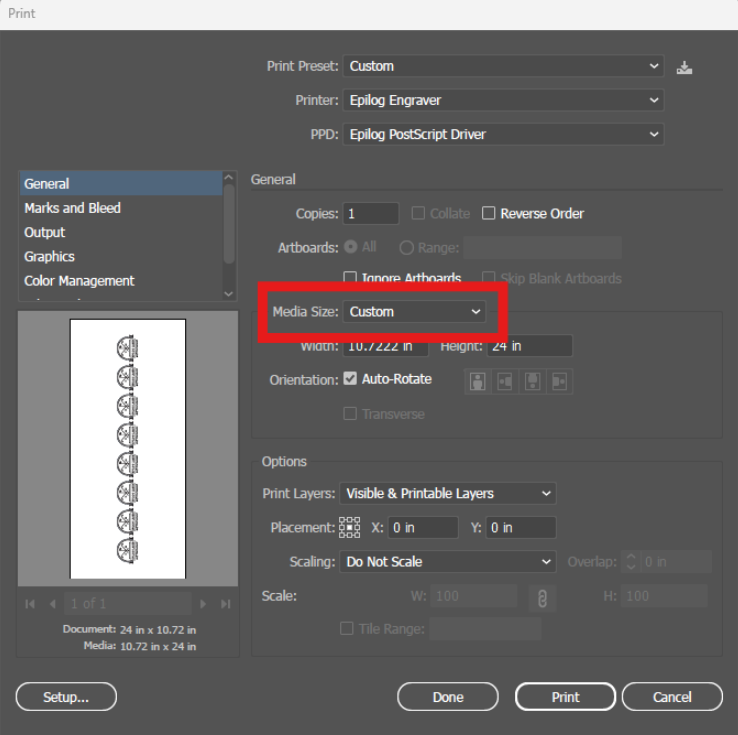
Software Setup CorelDRAW Setup Open CorelDRAW. Note: CorelDRAW Graphics Suite is the recommended CorelDraw version for use with Epilog Laser systems. Other versions, such as the Student or Standard version, may have different menu options and settings. Select Tools > Options > Global > Printing > Driver Compatibility. Choose Epilog (...)
My Artwork isn’t showing up in the Epilog Dashboard
Explanation of the Symptoms When encountering this issue, you may see something similar to the image below—here we can see the artwork in the preview thumbnail, but the artwork does not appear in the work area: However, if zoomed out, we can see that the artwork did transfer to the (...)
Low Output – Mini/Helix
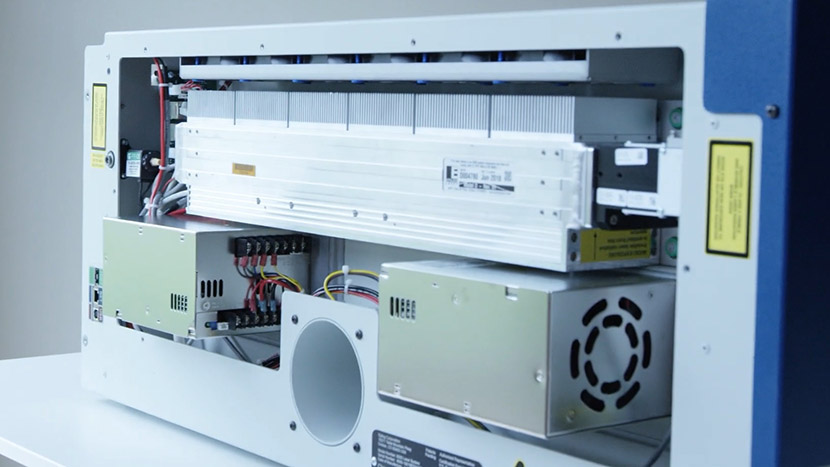
A loss of laser power on the Mini or Helix is usually caused by dirty or damaged optics, poor laser beam alignment, or a focus or table level problem. Work through the checks below in order. Parts Required None Tools Required Safety Glasses Phillips Screwdriver Allen Wrench (lens carriage screws) (...)
Manipulating Clip Art to Create Unique Designs
One of the most common challenges we hear from customers has absolutely nothing to do with lasers. Instead, we hear a lot of laser operators looking for unique and creative artwork they can use to create samples or custom projects for customers. If your customer doesn’t supply you with a (...)
Autofocus Plunger Install
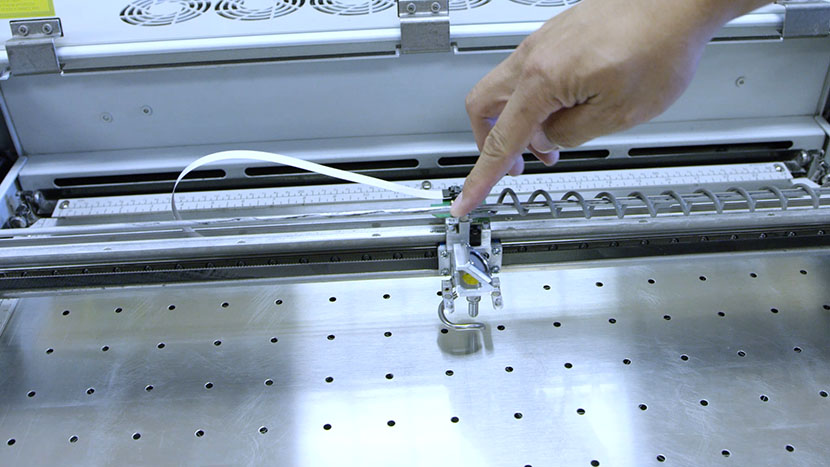
Estimated time: 15 minutes • Skill: Beginner This procedure walks you through replacing the Auto Focus Plunger on your laser system. Following these steps carefully will ensure proper installation and reliable autofocus operation after the replacement is complete. Component Overview Exploded view of the carriage assembly Preparation Power on the (...)
Focus Lens 101
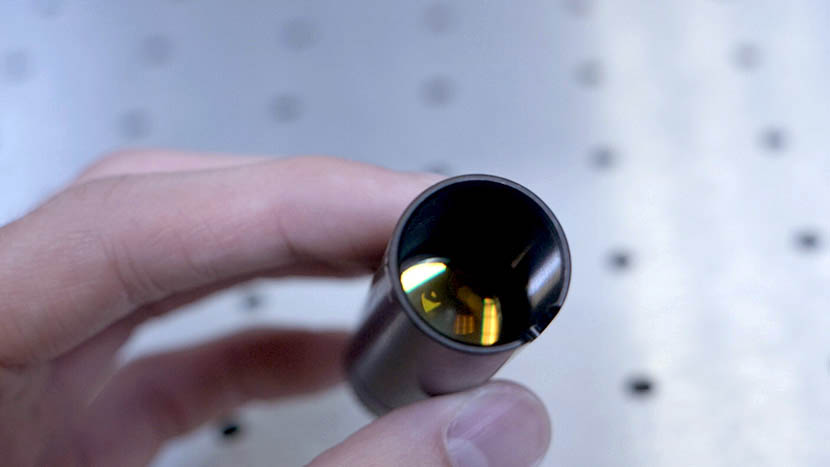
This Technical Library article discusses the purpose of the focus lens as well as guidelines for using lenses of different sizes for various projects. What does a focus lens do? A laser beam emanating from the laser tube is typically around one-quarter of an inch (240 thousandths) in diameter. This (...)
Reducing Fire Hazards with your Laser
This article will guide you through recommendations to reduce fire hazard with your laser. Your laser system uses a high intensity beam of light that can generate extremely high temperatures when it comes into contact with the material being engraved, marked or cut. Some materials are extremely flammable and can (...)
Make Your Own FontBot
What is a FontBot? It’s a design you create from the letters and characters of a specific font. Designers have come up with all kinds of amazing robots and other creations using fonts, but what will yours look like? We’ll be giving a quick demonstration on how to create your (...)
Everything You Wanted to Know about Fonts…and Then Some!
Regardless of your design program, you’re likely faced with a myriad of fonts to select from when you’re creating a design. But how do you choose fonts? What types of fonts go with what kind of designs? How can you manipulate text and fonts to create appealing visuals? Read on (...)
Creating a 3D Effect With the Laser on Acrylic and Glass
1) This 3D effect will work for any block style font and many other types of shapes, but for this exercise we are going to apply the effect to the letter “E”. Start with a capital letter “E” to the specifications below. Font: Arial Black Size: 310 pt Convert to (...)
Layering a Clip Art Image
In our 3D acrylic Sample Club download, we engraved parts of a clip art image on five cut pieces of acrylic. When placed together, the engraved acrylic creates a 3D effect because of the different levels of each engraving. In this article we’re going to show you how you can (...)