Während des Maschinenbetriebs sammeln sich im Filter-Regler-Modul naturgemäß Feuchtigkeit und Verunreinigungen an. Durch regelmäßiges Ablassen wird ein ordnungsgemäßer Luftstrom gewährleistet und die nachgeschalteten pneumatischen Komponenten geschützt.
Sicherheit geht vor:
Trennen Sie die Hauptluftzufuhr und entlasten Sie das Druckluftsystem vollständig, bevor Sie Wartungsarbeiten an der Filterbaugruppe durchführen.
Entleerungsvorgang
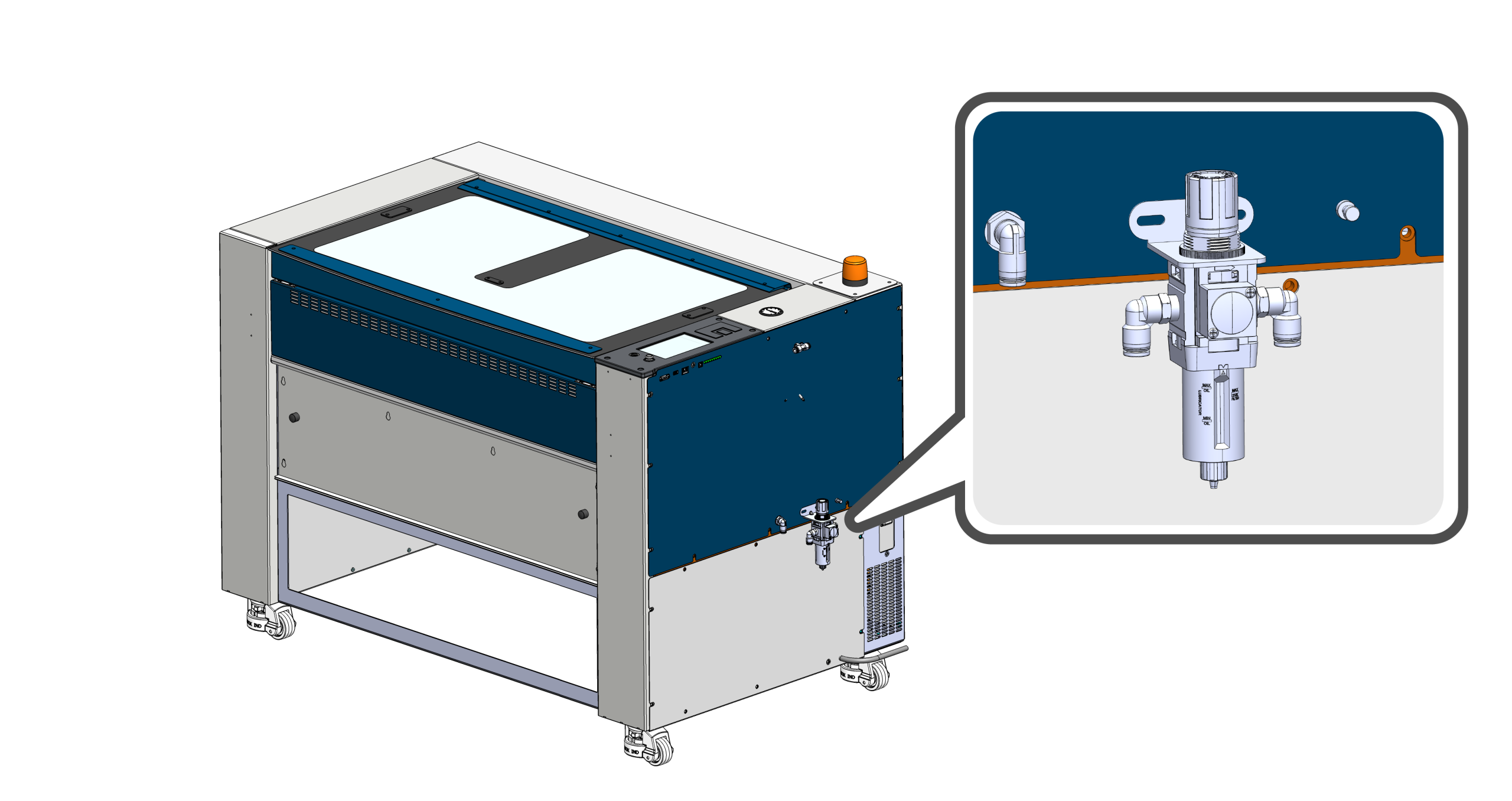
Filterbaugruppe lokalisieren
Suchen Sie die Hauptluftfilterbaugruppe auf der rechten Seite der Maschine.
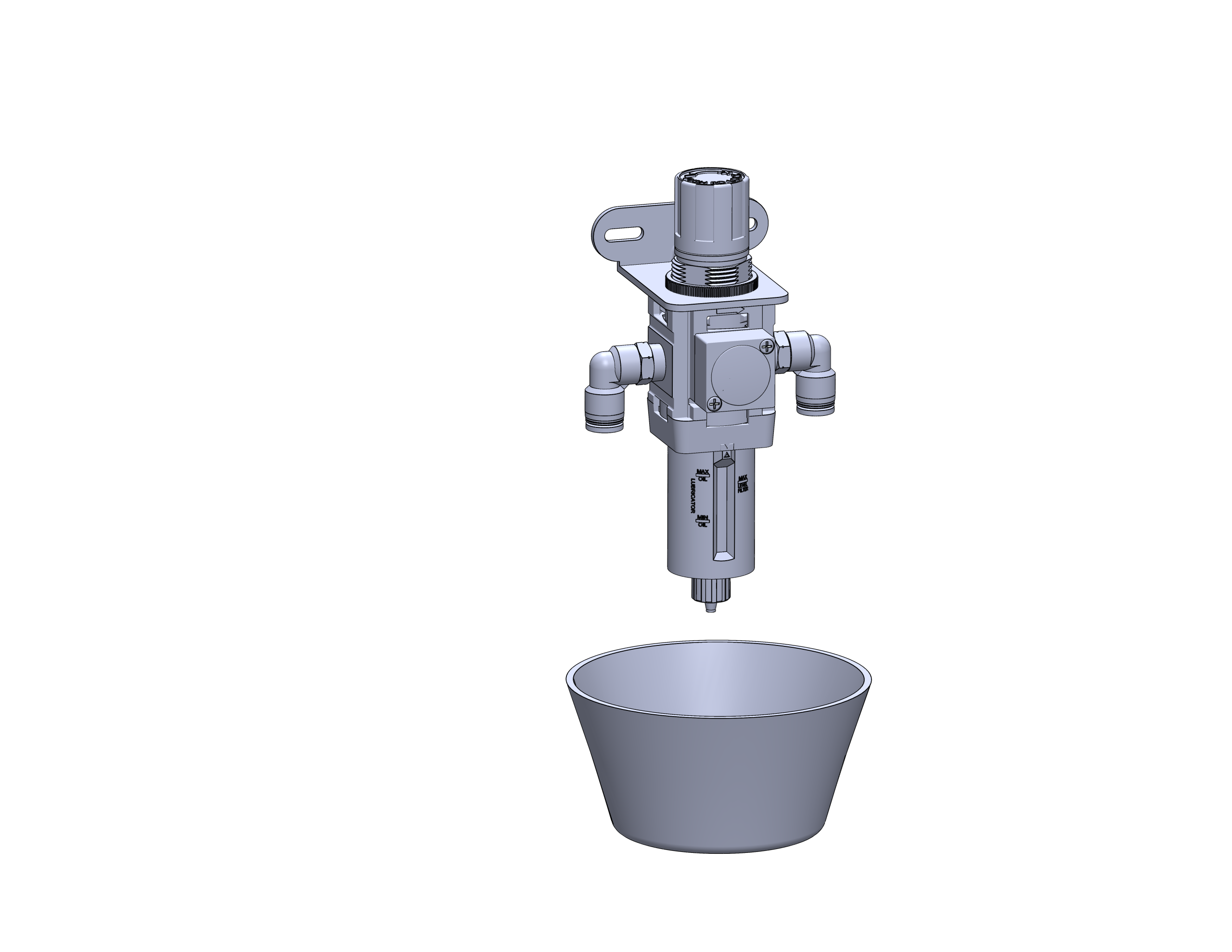
Einen Behälter aufstellen
Stellen Sie eine kleine Tasse oder ein saugfähiges Tuch unter das Ablassventil, um Feuchtigkeit oder Schmutz aufzufangen, der aus dem Filterbehälter austritt.
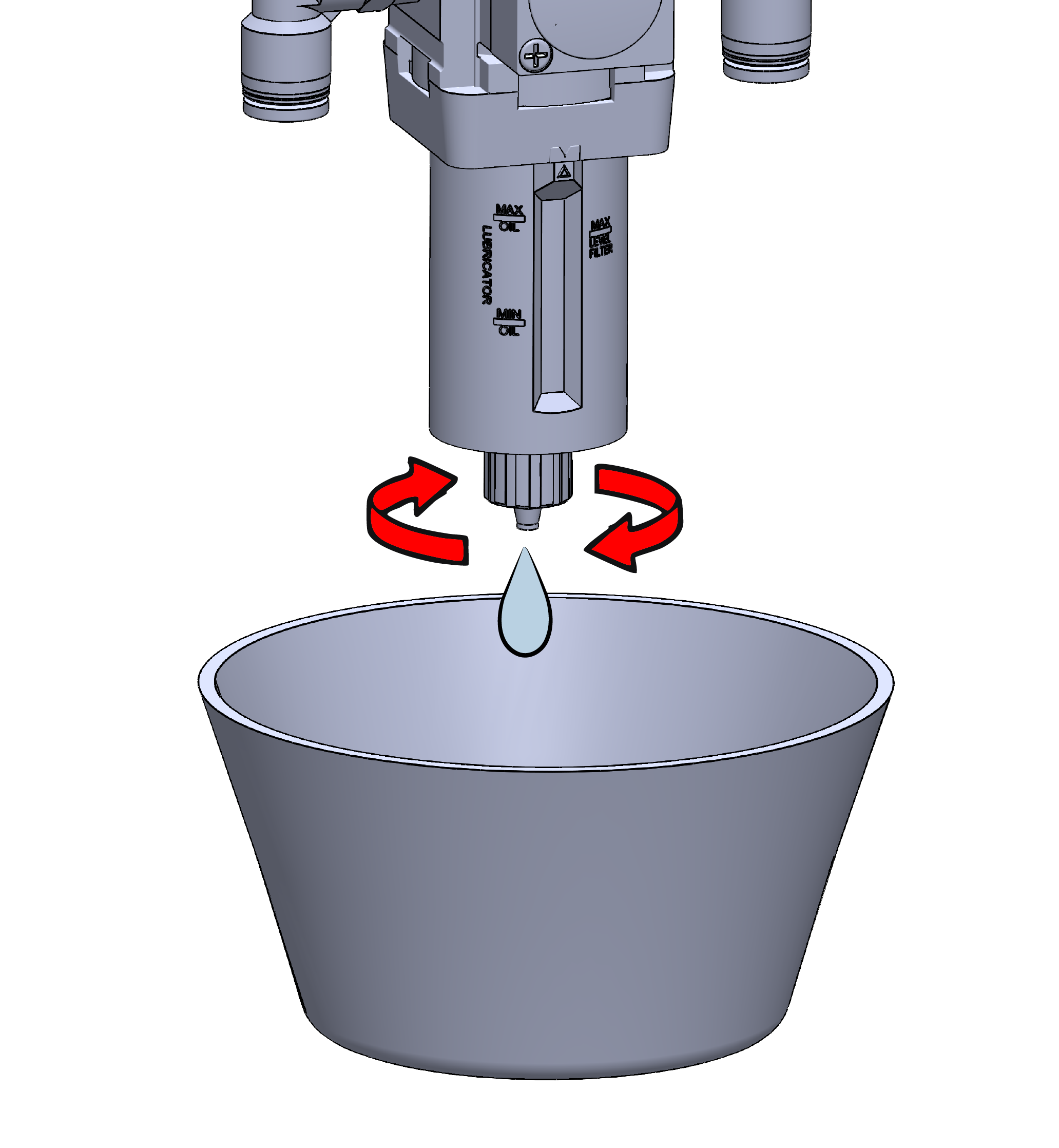
Die Filterwanne entleeren
Drehen Sie das manuelle Ablassventil an der Unterseite des Filters. Lassen Sie das gesamte angesammelte Wasser und alle Verunreinigungen vollständig ablaufen, bevor Sie das Ventil schließen.
Wartungstipp:
Überprüfen Sie den Behälter während des Ablassvorgangs. Sollte eine übermäßige Verschmutzung vorliegen oder das Filterelement beschädigt erscheinen, tauschen Sie die Filterbaugruppe aus, bevor Sie das Gerät wieder in Betrieb nehmen.