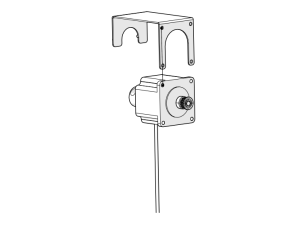
Door Slide Replacement – Fusion Galvo

How do I replace the door glide in the Fusion Galvo?

Introduction

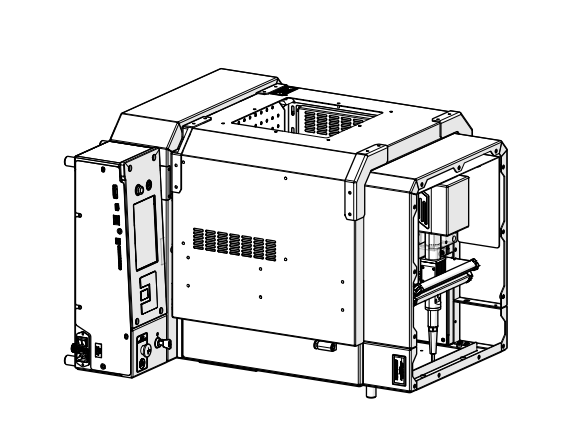
This guide provides step-by-step instructions for replacing the door slide on Epilog Laser G100 series systems. The process includes removing the door, installing the new slide, and reassembling the engraver. Be sure to follow all recommended safety precautions throughout the procedure.

Door Slide Removal

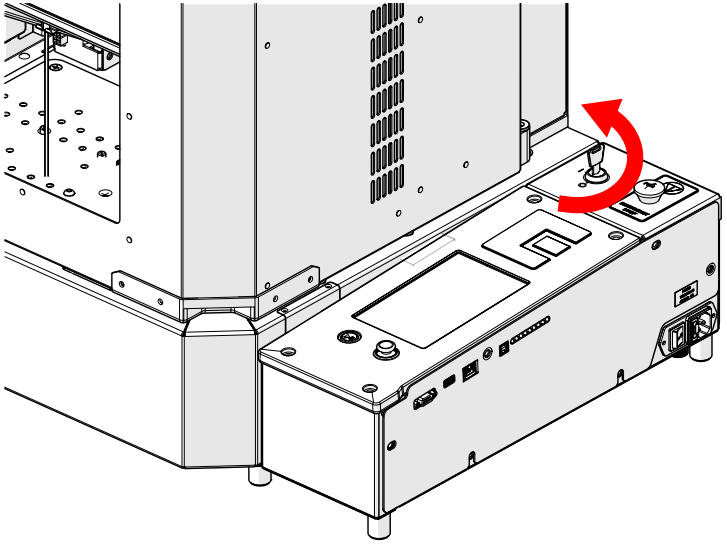
  1. Turn off engraver
    Turning off the engraver
  2. Disconnect from power
    Disconnecting power from the engraver
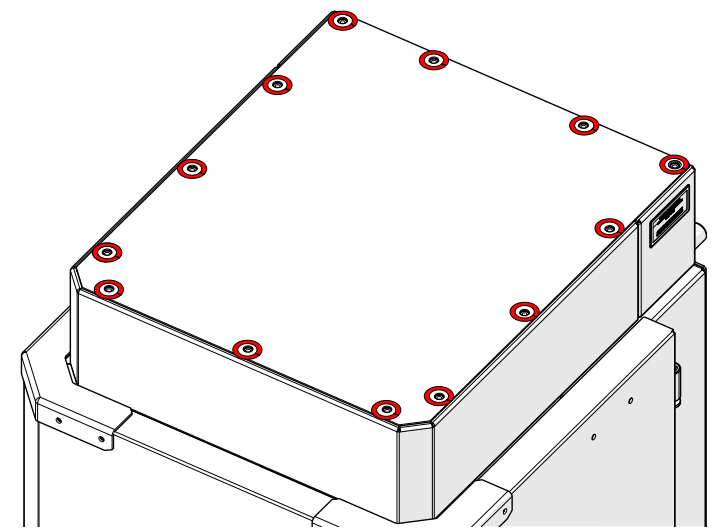
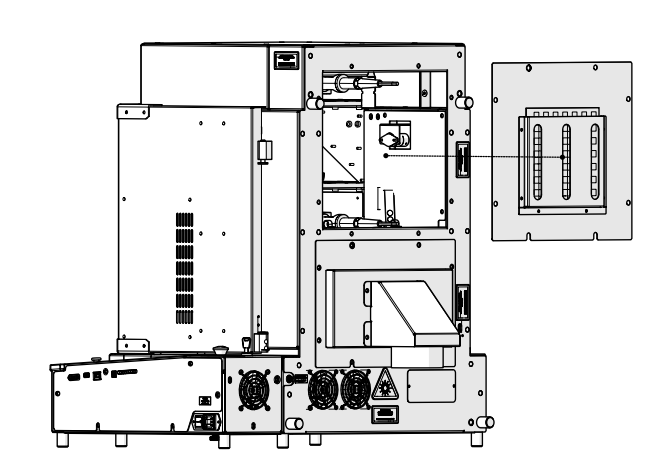
  3. Loosen and remove screws
    Removing initial screws for panel access
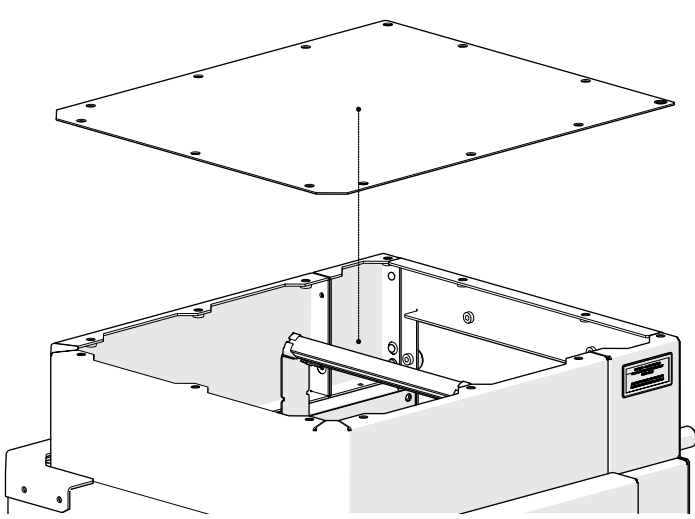
  4. Remove panel
    Panel removal step 1
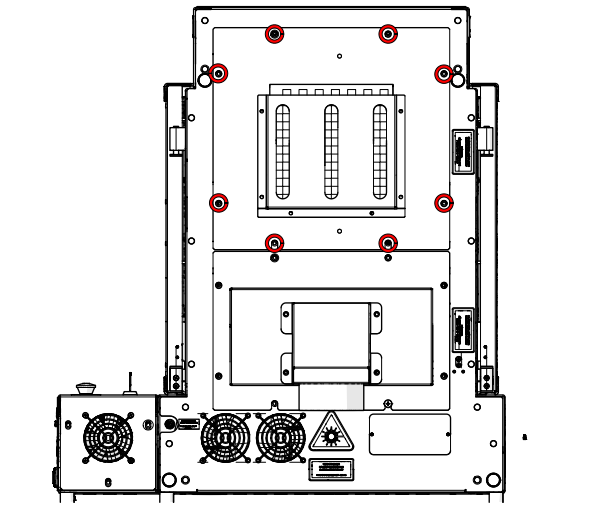
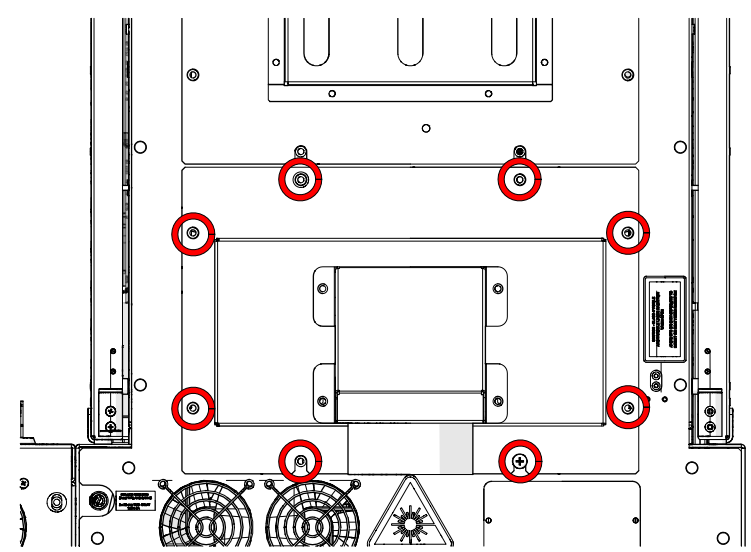
  5. Loosen and remove
    Loosening more components
  6. Remove panel
    Removing another panel section
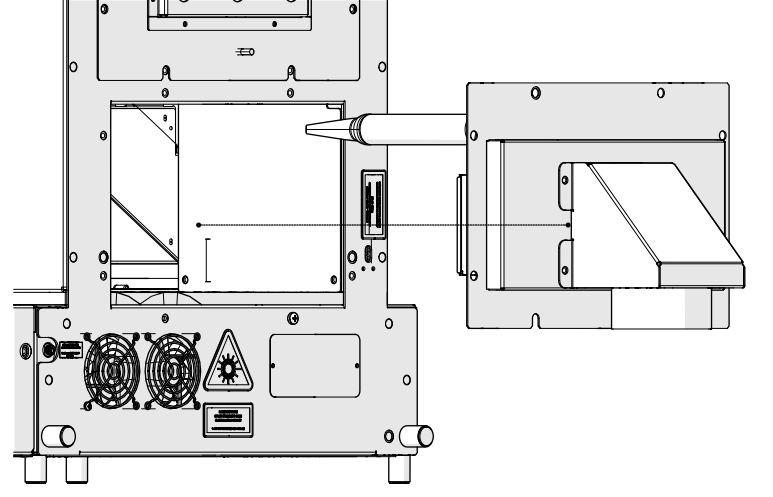
  7. Loosen and remove
    More screw removal
  8. Remove panel
    Panel being removed again
  9. Loosen and remove
    Final panel screw removal
  10. Remove panel
    Last panel removal
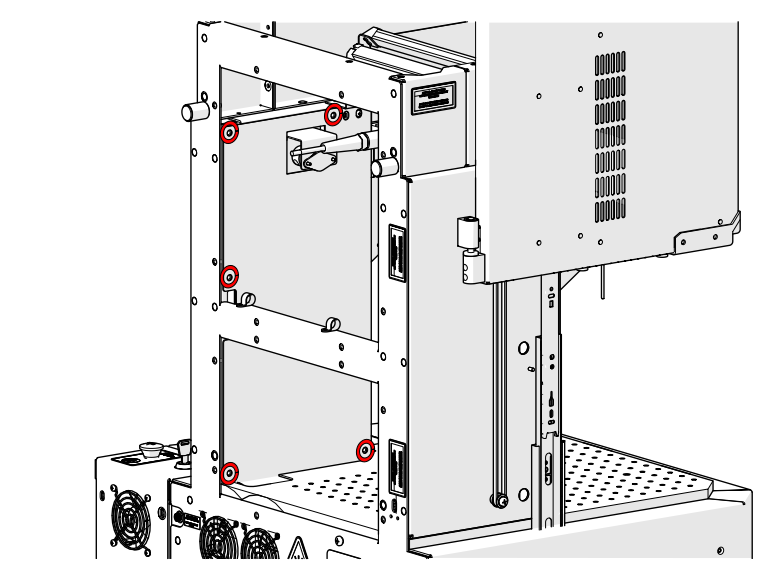
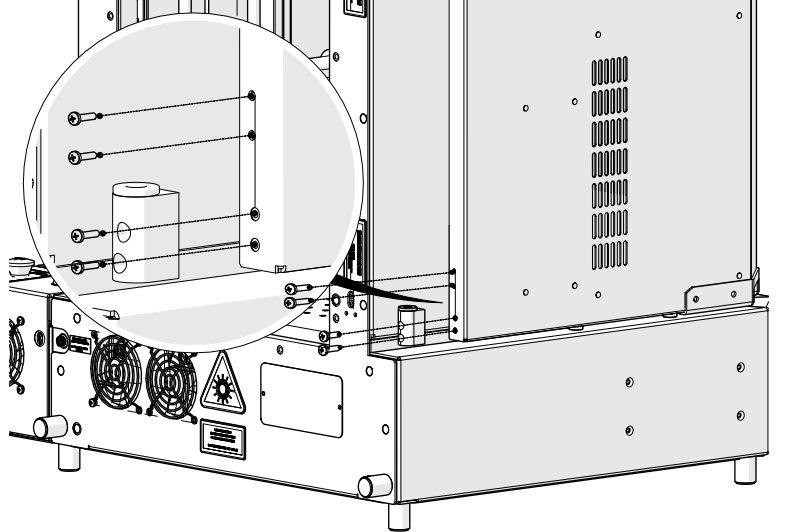
  11. Loosen and remove
    Loosening final mounting screws
  12. Loosen and remove
    Loosening belt screws
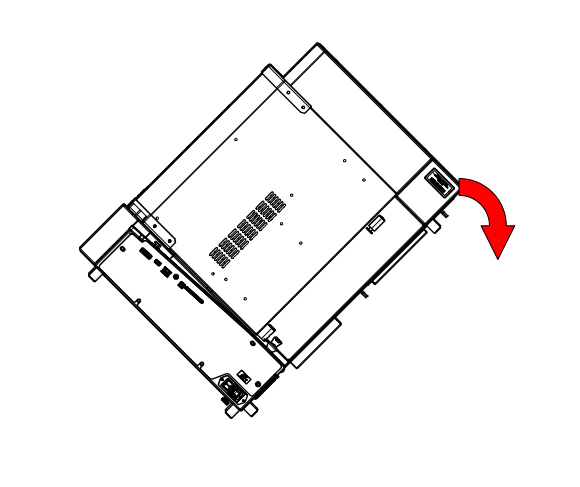
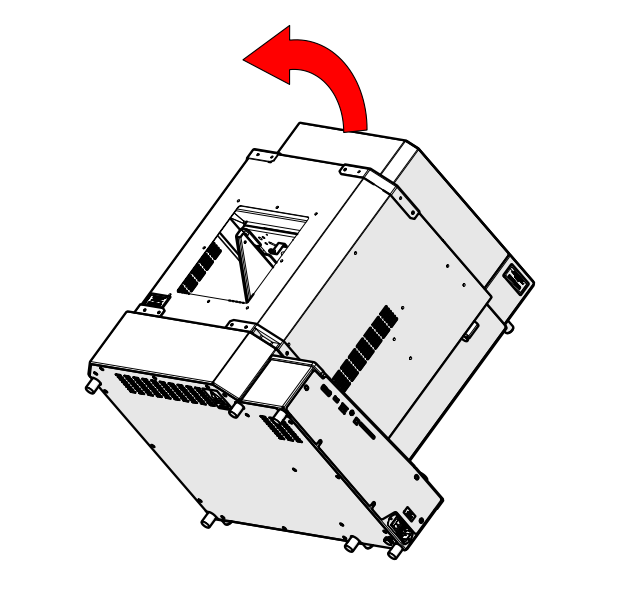
  13. Tilt engraver
    Tilting the engraver for access
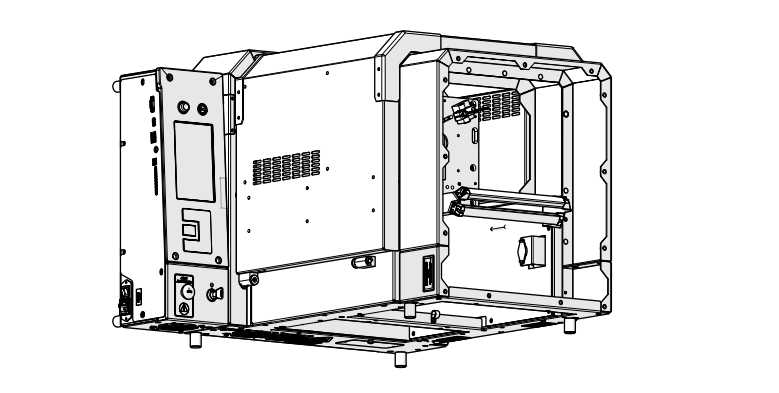
  14. Lay engraver on its back
    Engraver laid on its back
  15. Open the door
    Opening door for removal
  16. Depress slide lever
    Depressing left slide lever
  17. Depress slide lever
    Depressing right slide lever
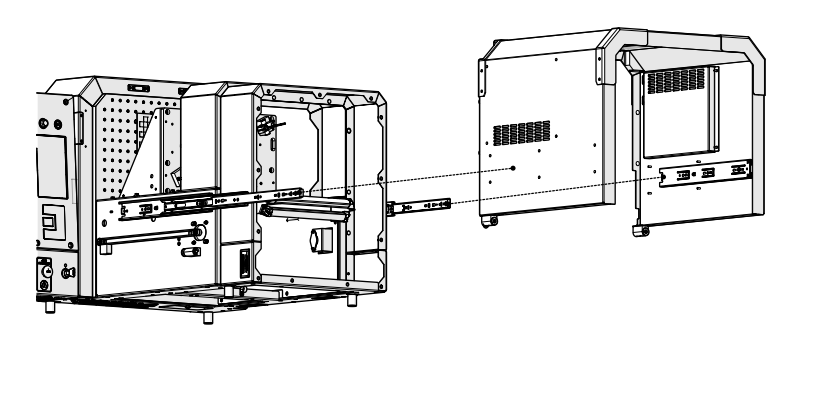
  18. Remove the door
    Removing the door from the engraver
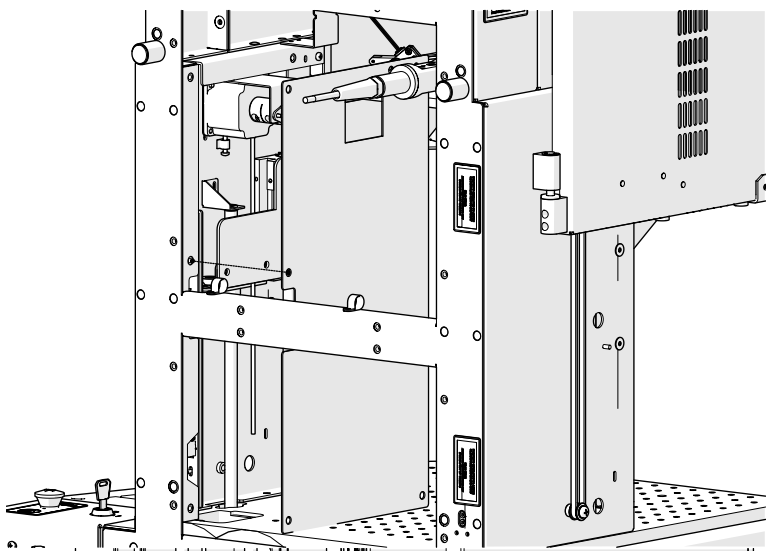
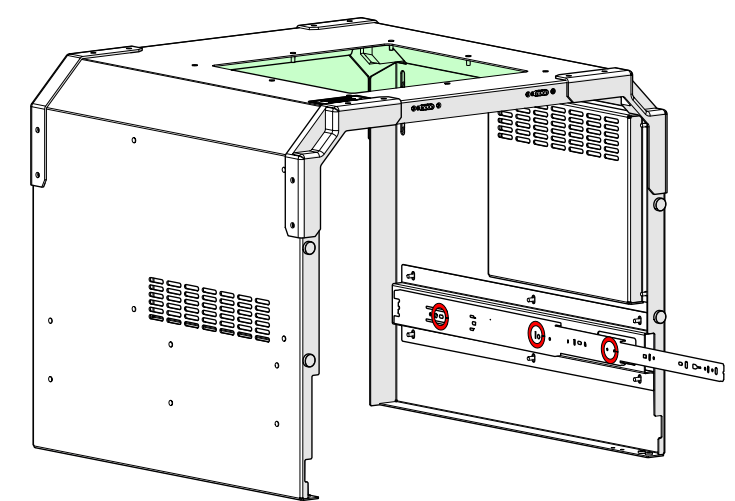
  19. Loosen and remove

    Loosening left motor screws

  20. Remove slide

    Loosening left motor screws

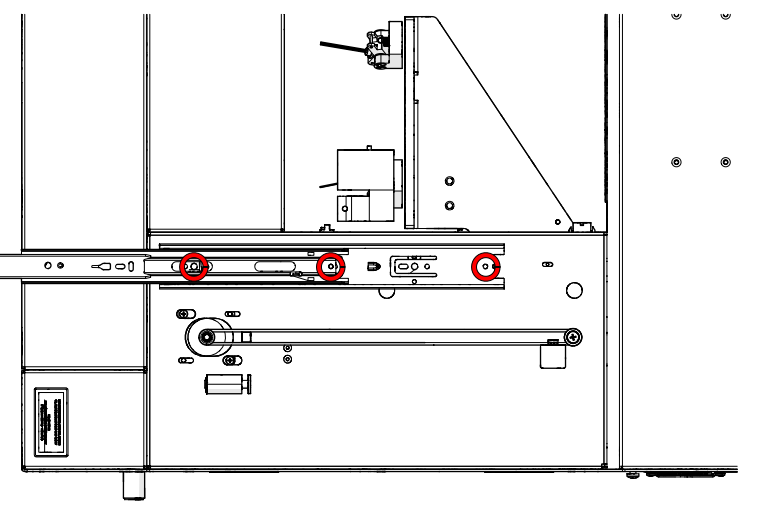
  21. Loosen and remove

    Loosening inner track screws

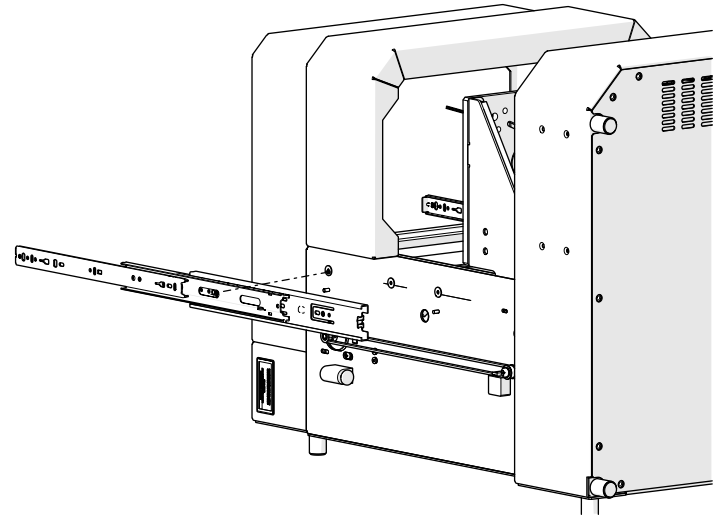
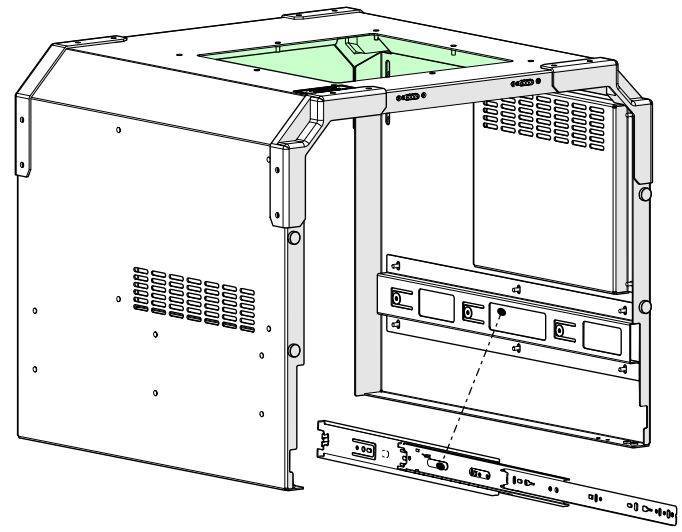
  22. Remove slide

    Removing the slide from the engraver

Door Slide Installation

  1. Install slide

    Installing the new slide

  2. Install and tighten

    Installing inner track screws

  3. Install slide

    Installing slide

  4. Install and tighten

    Tightening slide screws

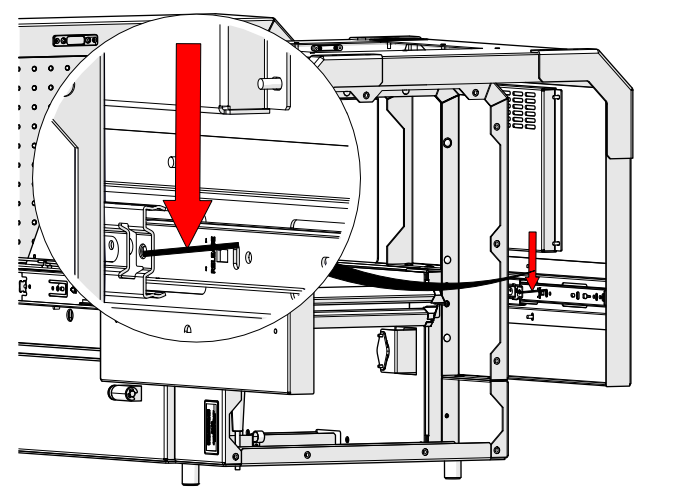
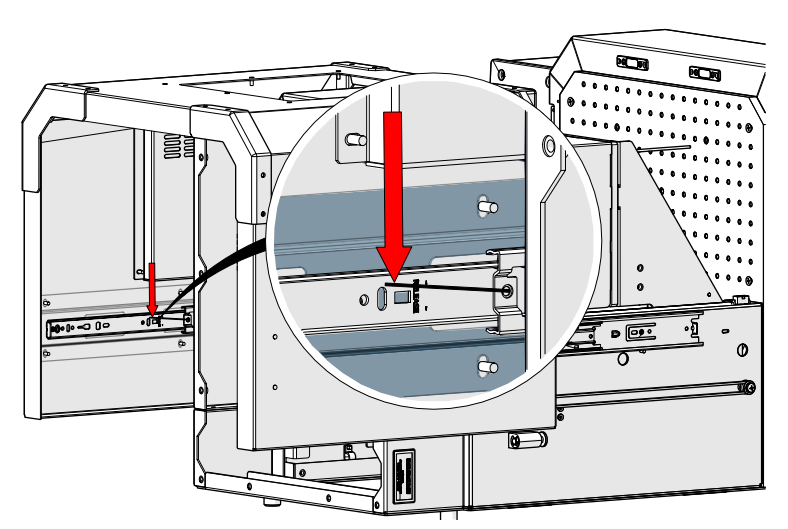
  5. Position belt block at bottom of travel.
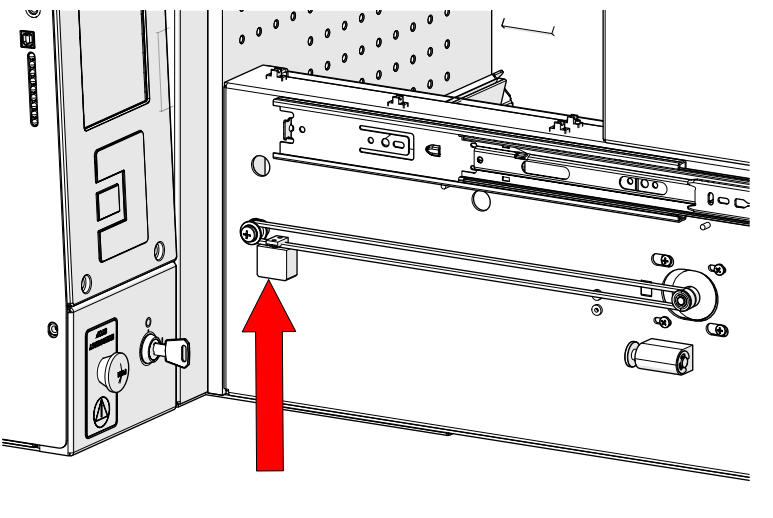
    Positioning belt block

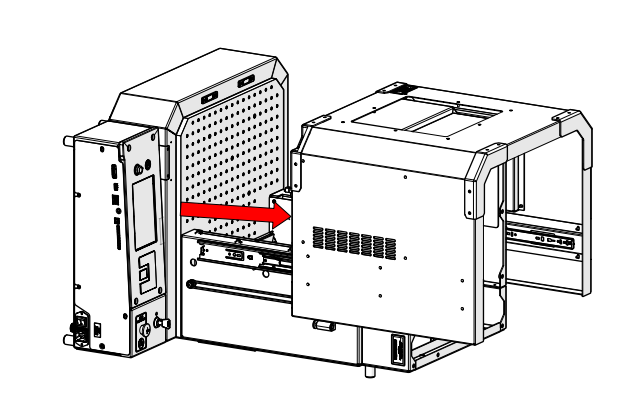
  6. Place door back onto engraver
    Placing the door back onto the engraver
  7. Ensure door is seated correctly on slides
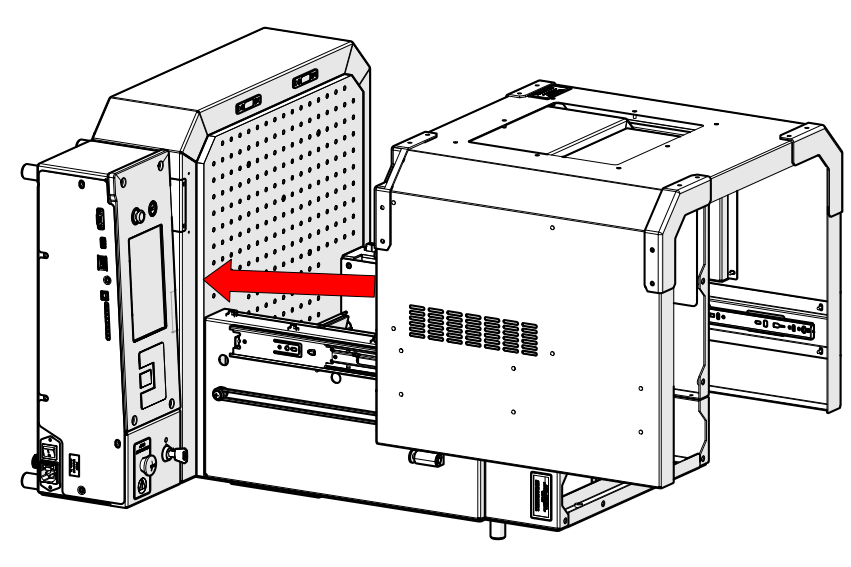
    Seating the door correctly
  8. Close the door
    Closing the door
  9. Return engraver to upright position
    Returning the engraver to upright position

Reassembly

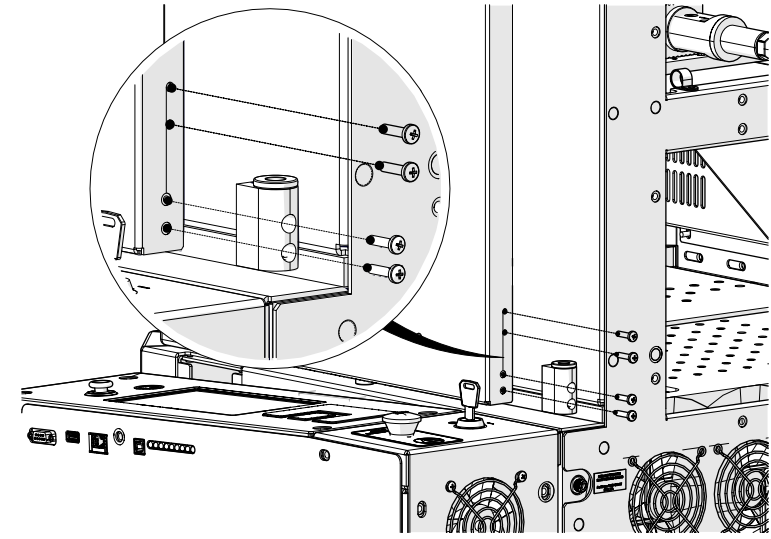
  1. Install and tighten screws
    Installing and tightening screws
  2. Install and tighten screws
    Installing and tightening more screws
  3. Install panel
    Installing the panel back onto the engraver
  4. Install and tighten
    Installing and tightening screws on the panel
  5. Install panel
    Reinstalling the panels
  6. Install and tighten
    Tightening screws on the panel
  7. Install panel
    Installing the panel back onto the engraver
  8. Install and tighten
    Tightening screws on the panel
  9. Install panel
    Reinstalling the panel
  10. Install and tighten
    Tightening screws on the panel

  11. Reconnect engraver to power
    Reconnecting power to the engraver

Was this helpful?

Yes
No
Thanks for your feedback!
  • ID:
    KA-01597
  • Date:
    07/10/2025