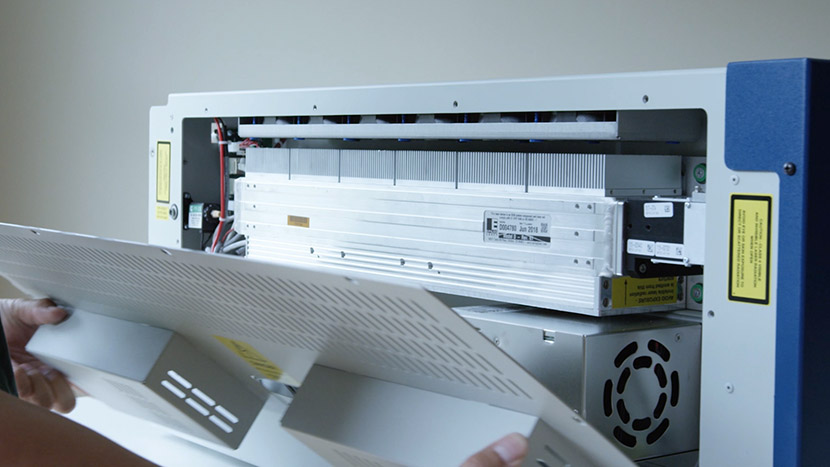
This document outlines the home and park position adjustment procedures for the Fusion Maker, Fusion Edge, and Fusion Pro.
Leveling the Table
This document outlines the table leveling procedure for the Fusion Maker, Edge, and Pro 24 and 36. Table level should be checked periodically to ensure that all areas of the table are the same distance from the focusing lens. If all areas of the table are not the same distance (...)
Touchpad Calibration – Fusion Maker, Edge, and Pro 24 and 36
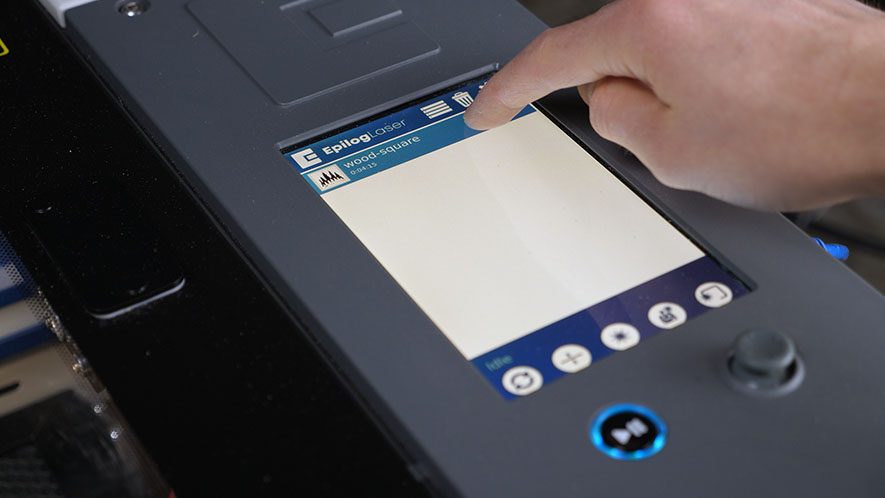
Estimated time: 5 minutes • Skill: Basic Touchscreen calibration ensures accurate touch response when selecting options and settings on the display. This procedure is rarely required and should only be performed if the touchscreen is registering incorrect inputs or responding inconsistently. Touchscreen Calibration Procedure Open the Settings menu. At the (...)
Fiber Alignment – Fusion Pro 32 & 48
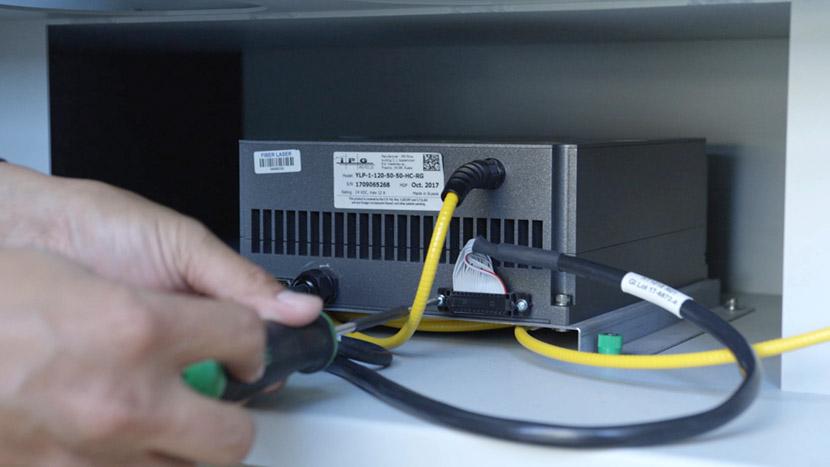
This guide provides step-by-step instructions for performing precise laser alignment on the Fusion Pro CO2 and Fiber laser systems. Proper alignment ensures optimal engraving performance and reduces the risk of hardware damage. Whether you’re troubleshooting a drop in laser power or aligning after maintenance, this document will walk you through (...)
Focus Calibrations – Fusion Maker, Edge, and Pro
Please find the attachment for an in-depth description.
Laser Alignment – Maker / Edge / Pro
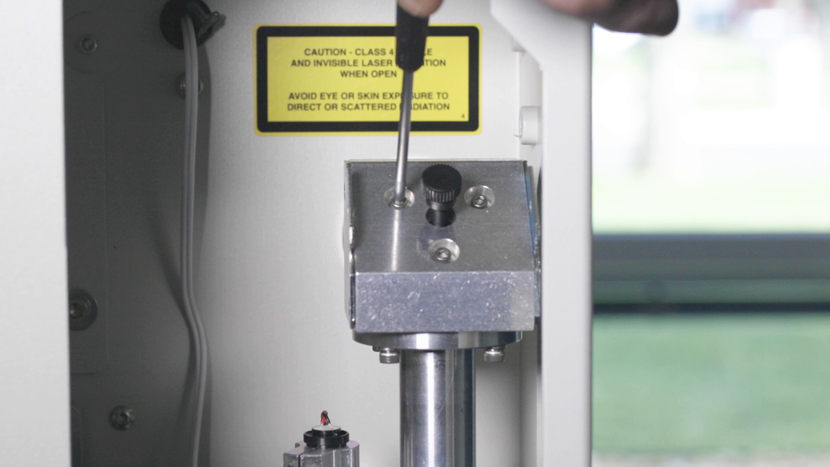
Turn On To begin the laser alignment procedure, power on the laser. For the following procedures, the table will be broken into four (4) positions. Each position is identified by its relative distance to the laser source and corresponds with the mirror to adjust for that position. Three of the (...)
Cleaning Your Optics
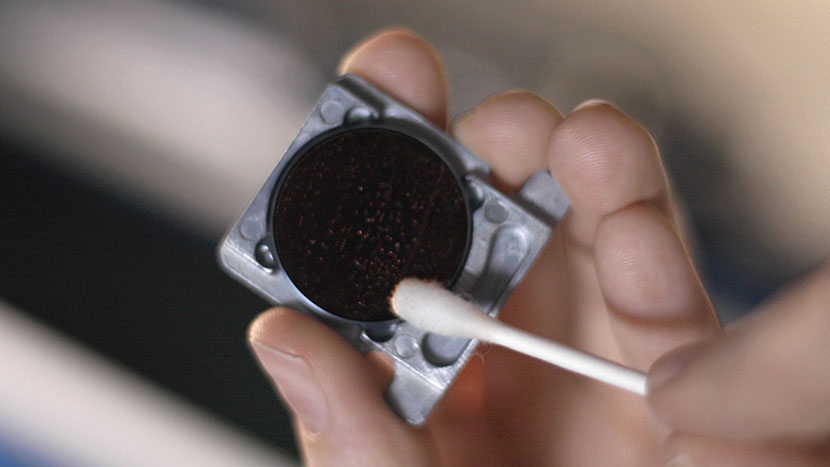
Cleaning the Focusing Lens Optics The mirrors in the periscope housing are enclosed, and will likely require cleaning less often than the other components of the optics system. Let’s start by jogging the laser assembly toward the front of the machine for access to the optics, then we’ll turn off (...)
Y-Axis Home Switch Replacement
This document outlines the replacement of the y-axis home switch in the Fusion Maker, Edge, and Pro 24 and 36.
Extended Cold Start Guide
Lasers that have been inactive for a period of time may not fire right away. There are settings in the machine to help warm the laser before use. Please start with the CO2 Laser Tickle Settings guide first. If the laser has been inactive for an extended period of time, (...)
CO2 Laser Tickle Settings
Introduced in the Epilog Mini and Helix engravers, laser tickle settings allow the user to customize certain CO2 laser characteristics by modifying the radio frequency (RF) signals sent to the laser tube. The role of the RF signal is to excite and energize the gas mixture within the CO2 laser (...)
Replacing the Laser Tube
Remove Panels Shut off the laser and remove the power cord from the machine. For this procedure you will need access to the back of the machine. Disconnect all exhaust system hoses from the rear of the machine. Using a 5/32” hex key, remove the screws that secure the rear (...)
Blurry Driver Screen On Windows 10
Please find the attachment for an in-depth description