Service and Repair
Mini / Helix
Filters
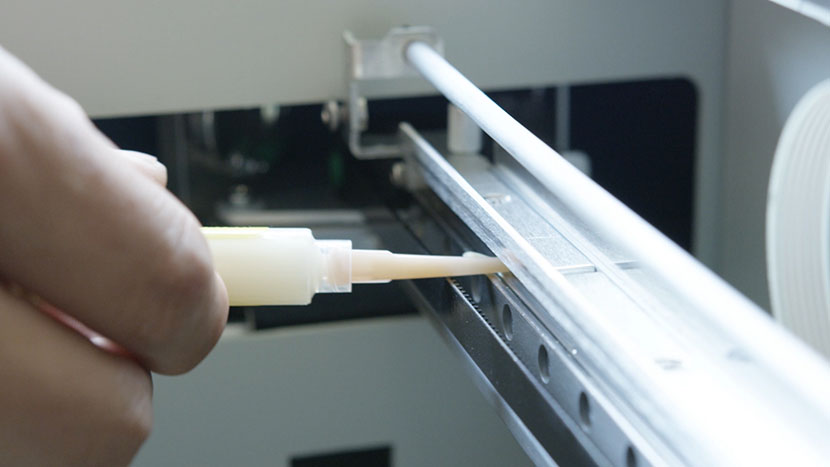
Bearing Rails
Keep your bearing rails clean to promote smooth performance.
Blurry Driver Screen On Windows 10
Why am I seeing a blurry driver screen on my Windows 10 High-Resolution Display?
Checking and Leveling the Table
If you notice uneven engraving or reduced power in specific corners of your Mini or Helix, the table may be out of level. This guide explains how to check and level the table for optimal performance.
Cleaning and Maintenance – Mini / Helix
How do I keep my Helix/Mini clean?
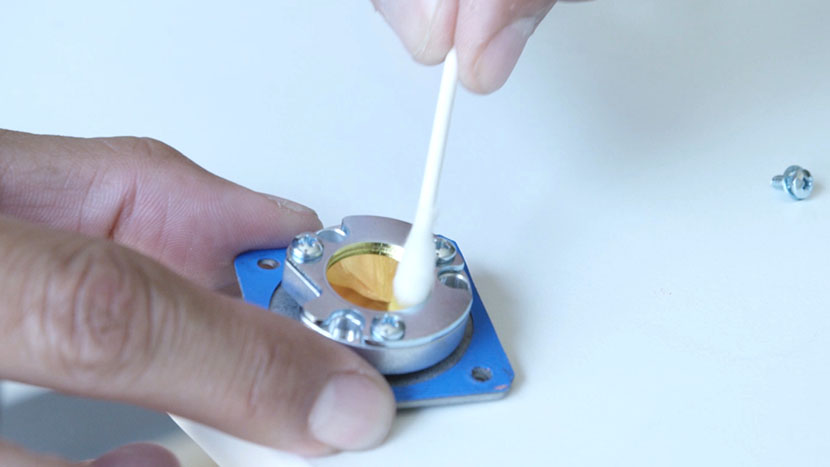
Cleaning Optics – Mini / Helix
How do I clean the optics in my laser system?
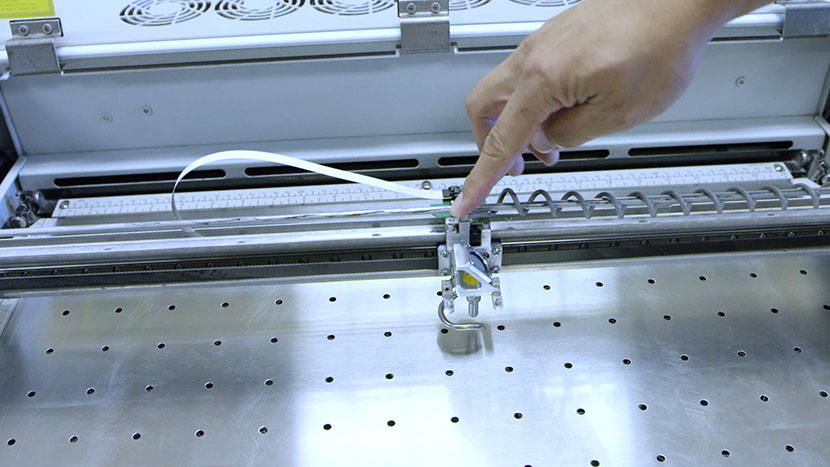
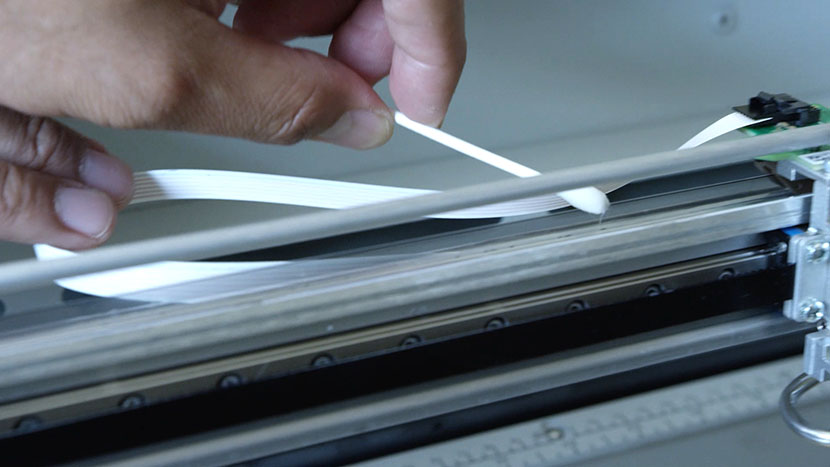
Cleaning the Encoder Strip: Essential Maintenance for Accurate Printing
A clean linear encoder strip helps your machine achieve accurate positioning.
Cleaning Your Optics
Cleaning your lens and mirrors is an essential part of routine maintenance.
CO2 Laser Tickle Settings
What are tickle settings and how can I adjust them?
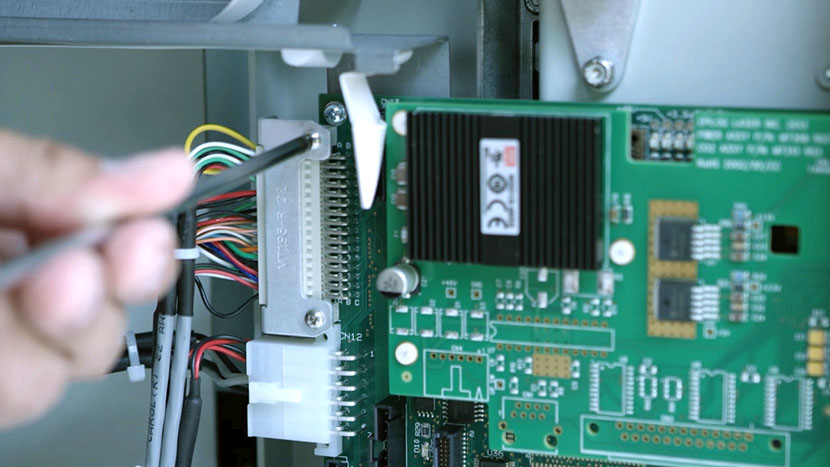
Controller Board
Replace the controller board that acts as the brain of your laser machine.
Extended Cold Start Guide
My laser has been inactive for a long time and will not fire.
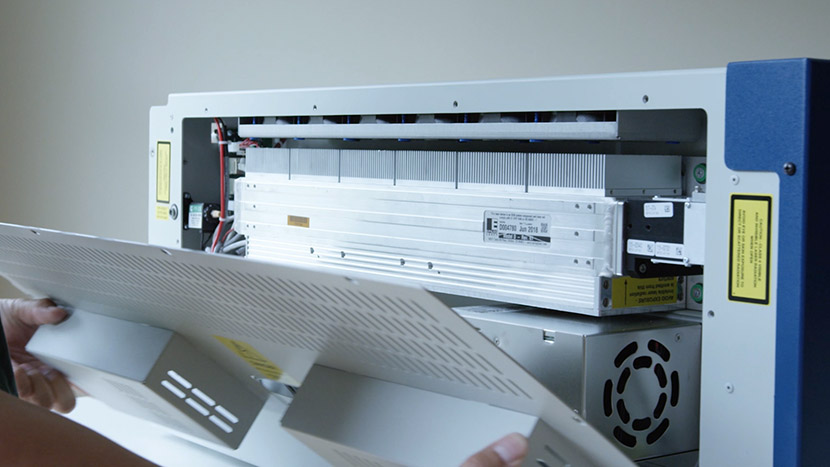
Fan Replacement on the Epilog Mini and Helix Systems
How do I replace the fans on my Epilog Mini or Helix System?
FiberMark Home Position Calibration
How do I set the X-Y home position on the FiberMark?
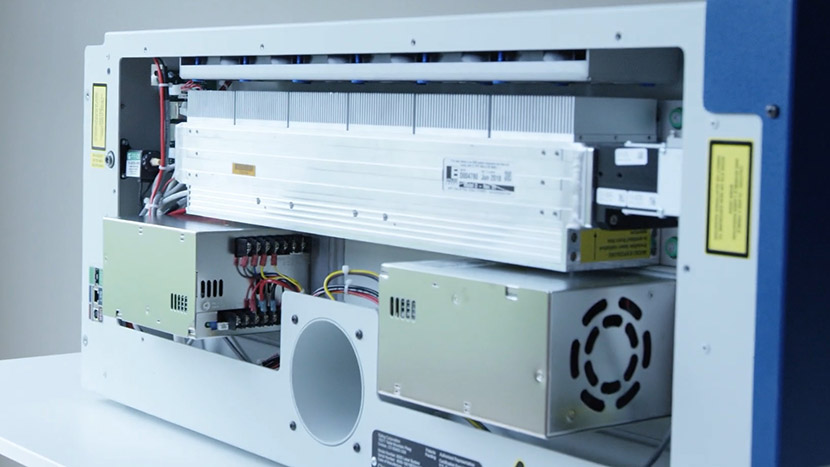
Fix a Power Issue: Replacing the Dual Power Supply
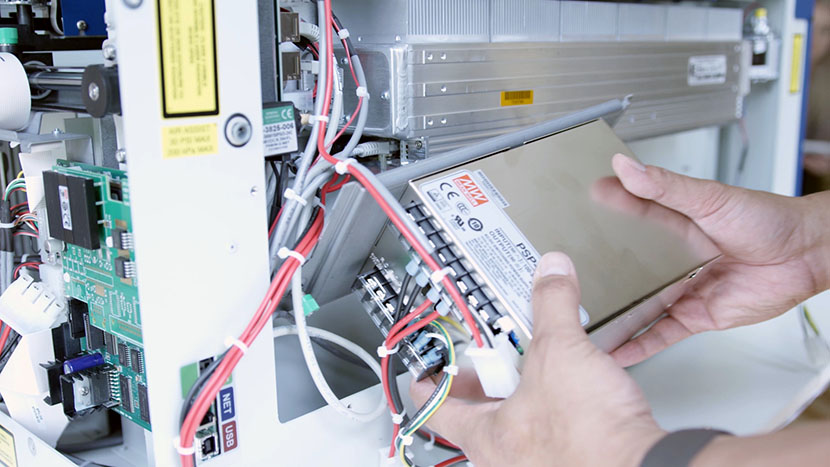
How to replace the Mini / Helix dual power supply.
Fix a Power Issue: Replacing the Power Supply
How to replace the Mini / Helix single power supply.
Interlock Install – FiberMark
How do I replace the interlocks on the FiberMark?
Interlock Install – Mini / Helix
How do I replace the Helix/Mini interlocks?
Laser Alignment – Mini / Helix
Adjust your optics system's mirrors to ensure your laser fires precisely.