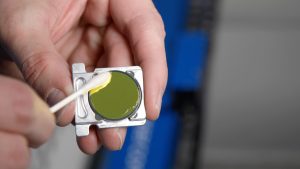
Tijdens het gebruik van de machine hopen zich van nature vocht en vuil op in de filter- en regelaarmodule. Door deze regelmatig af te tappen, zorg je ervoor dat de luchtstroom goed blijft en bescherm je de pneumatische onderdelen verderop in het systeem.
Veiligheid voorop:
Sluit de hoofdluchttoevoer af en laat het pneumatische systeem volledig drukloos worden voordat je onderhoud aan de filterunit uitvoert.
Afvoerprocedure
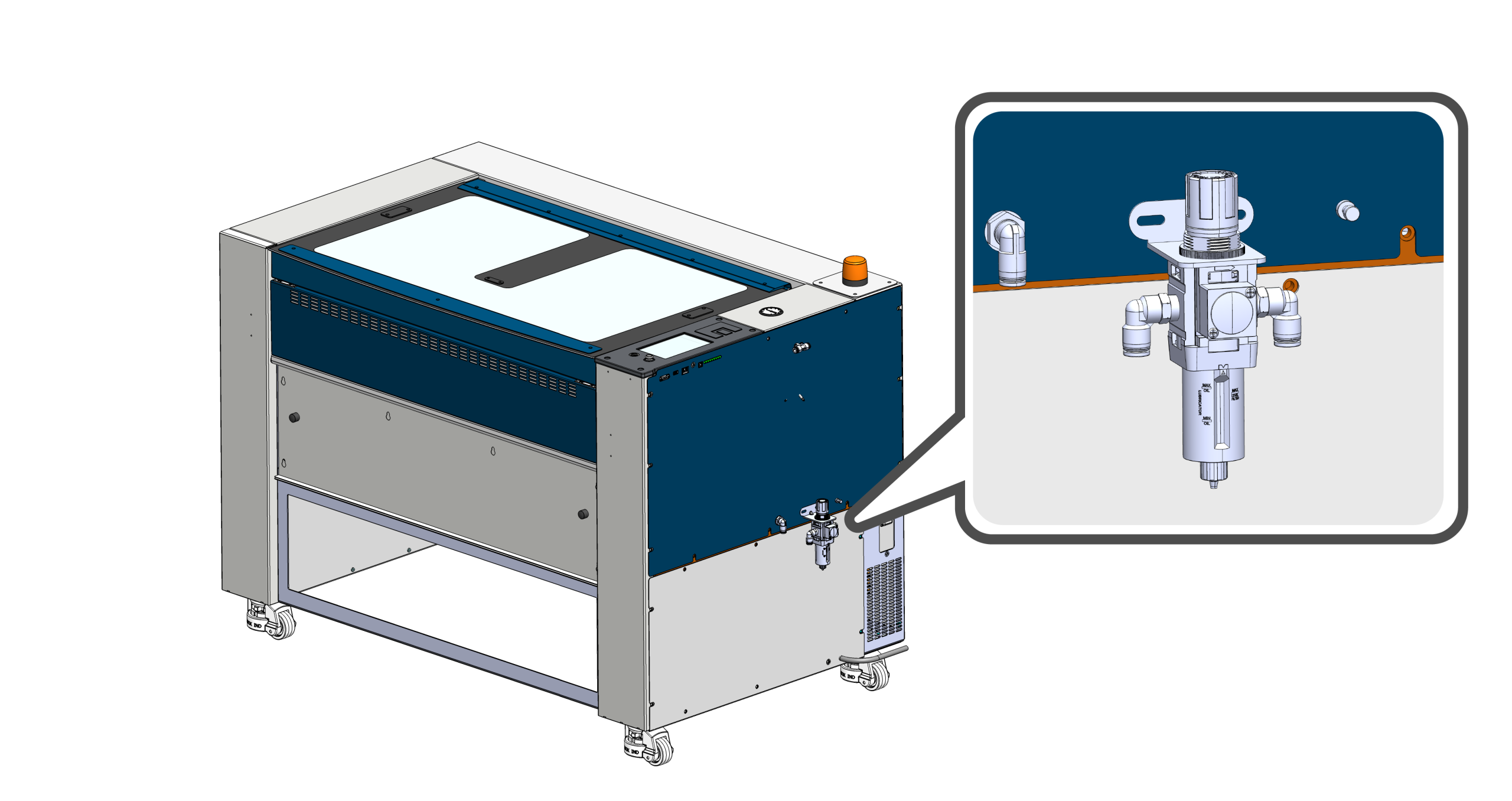
Zoek de filterunit
Zoek de hoofdluchtfilter aan de rechterkant van de machine.
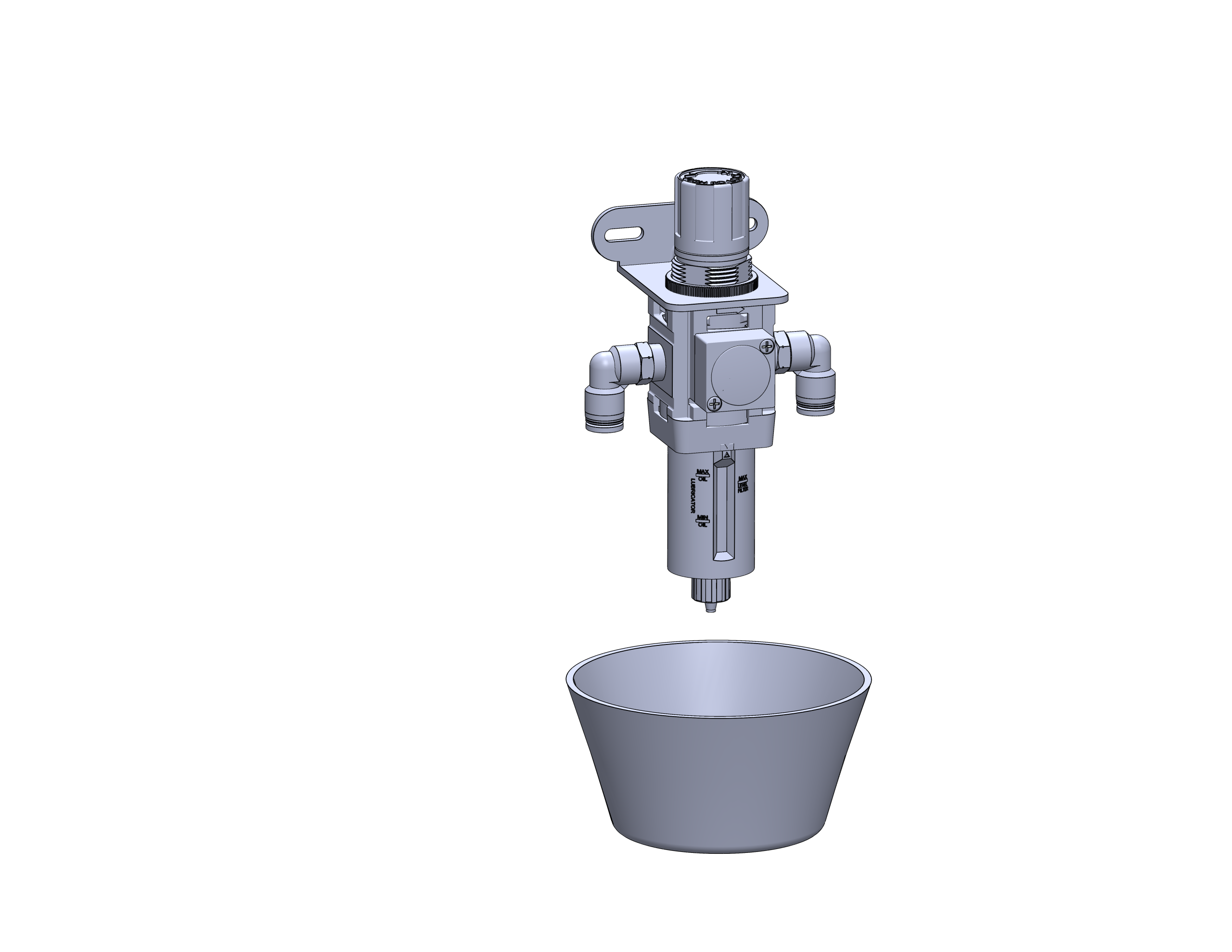
Een container plaatsen
Zet een klein kopje of een absorberende handdoek onder de afvoerkraan om eventueel vocht of vuil op te vangen dat uit de filterkom komt.
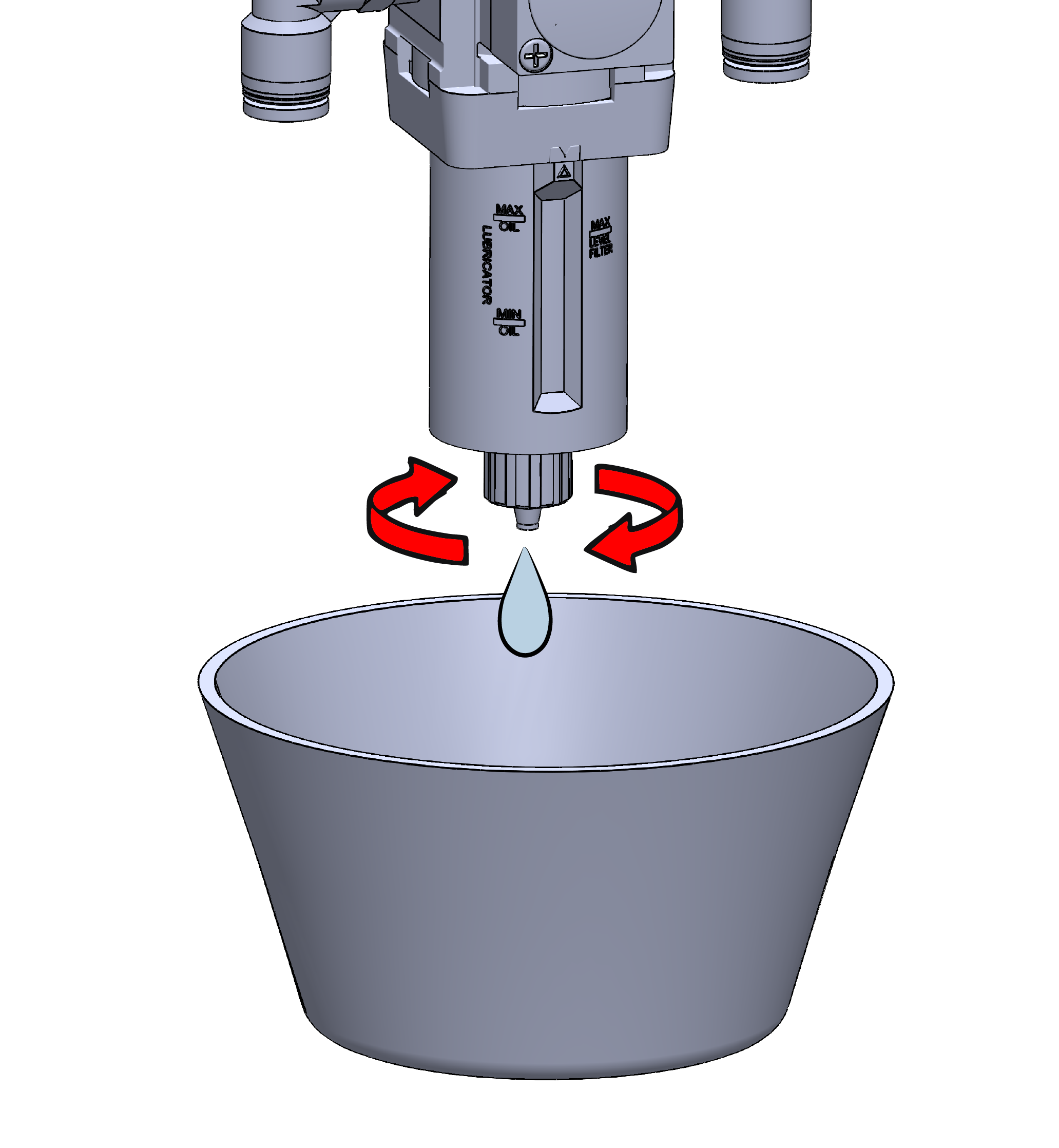
Laat de filterkom leeglopen
Draai de handmatige aftapkraan aan de onderkant van het filter open. Laat al het opgehoopte water en alle verontreinigingen volledig weglopen voordat je de kraan weer dichtdraait.
Onderhoudstip:
Controleer de opvangbak terwijl je hem leeg laat lopen. Als er veel vuil in zit of als het filterelement beschadigd lijkt, vervang dan de filterunit voordat je de machine weer in gebruik neemt.