Introduction
Have you ever pulled out an engraving and wished one section was engraved a little deeper, but you've already moved the piece? Here's a quick way to fix it by using Epilog's IRIS camera and creating a secondary process!
Isolate Text
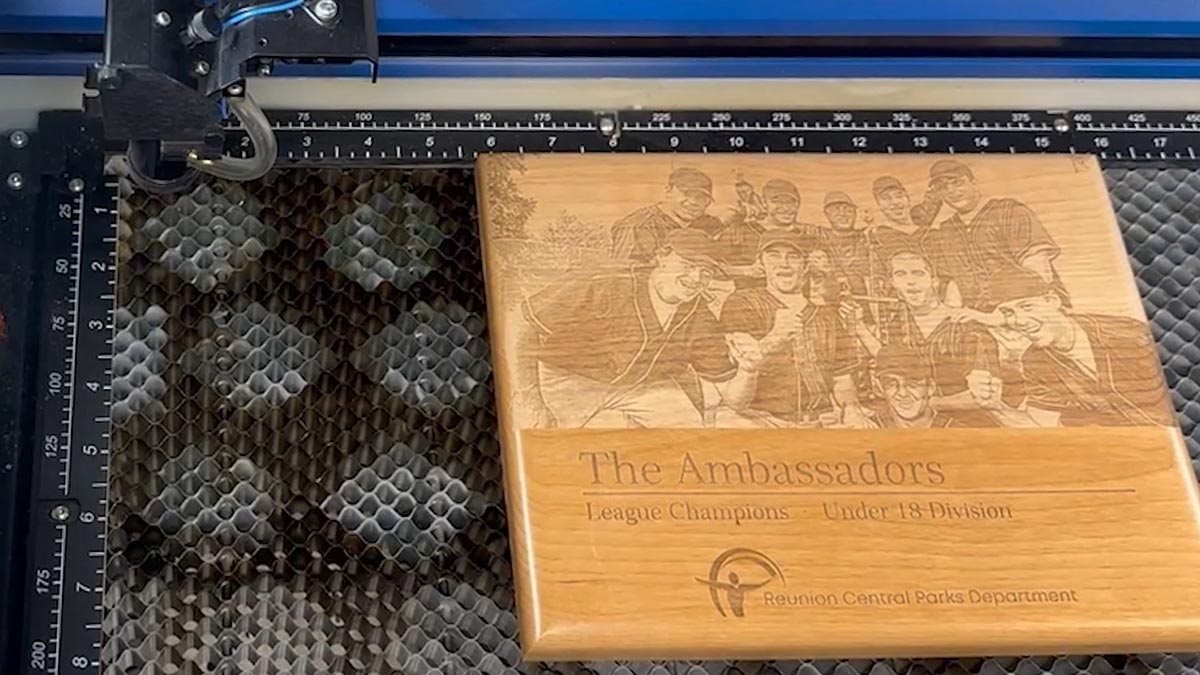
This initial engraving looks good, but the text portion could be deeper! We can isolate the text to improve the result.
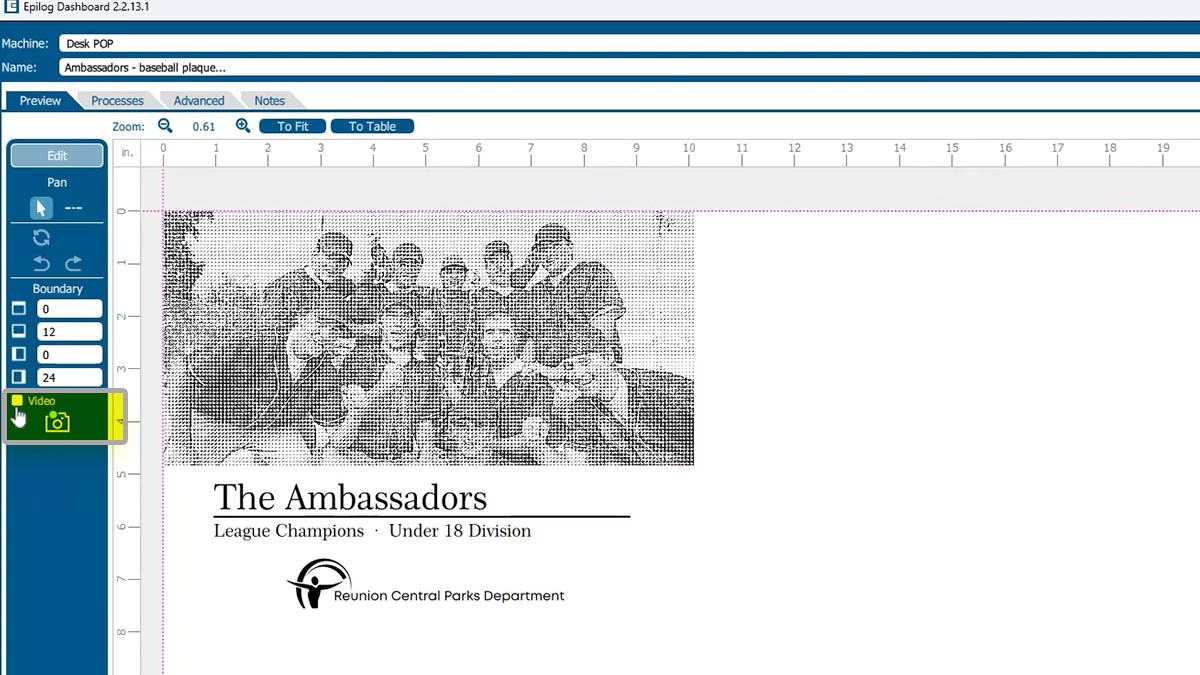
Turn off the camera.
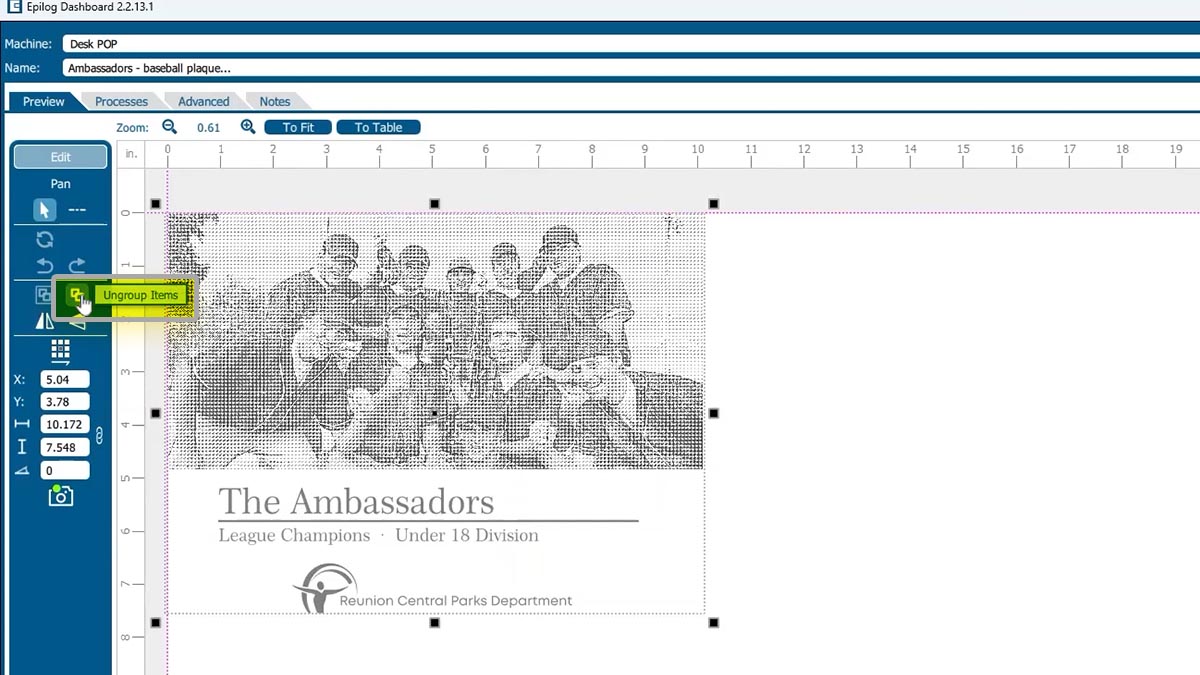
Ungroup your artwork.
Select the text and Separate by Selection. You’ll see two processes listed now.
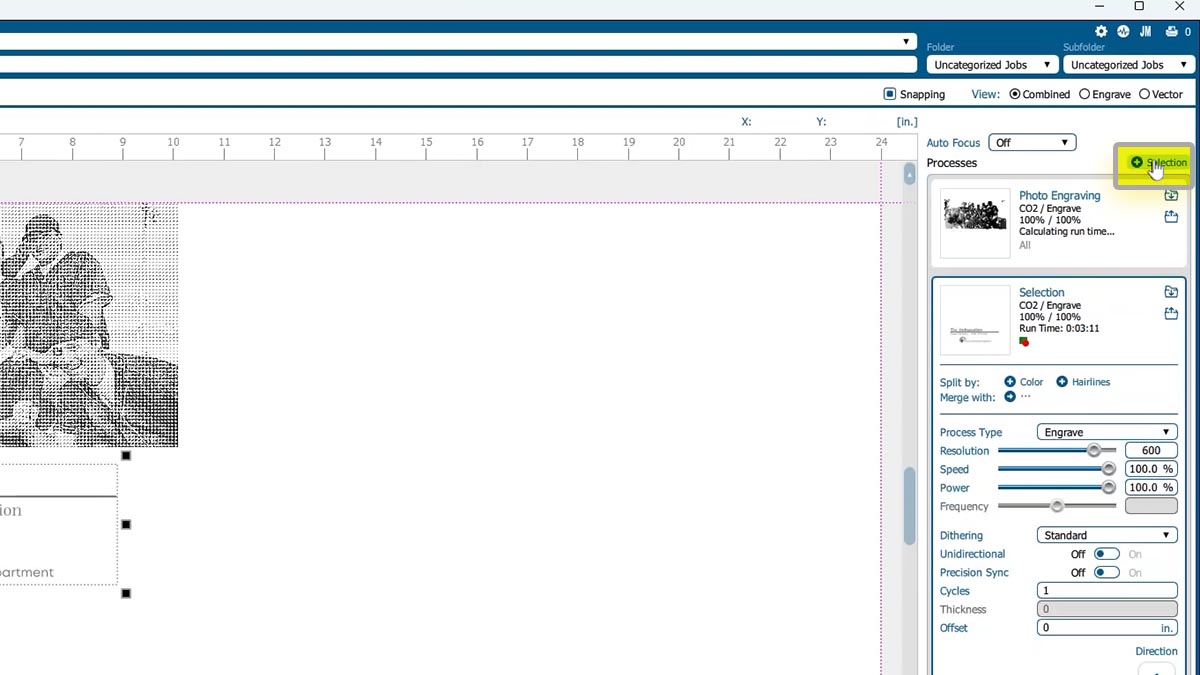
Turn off the photo process.
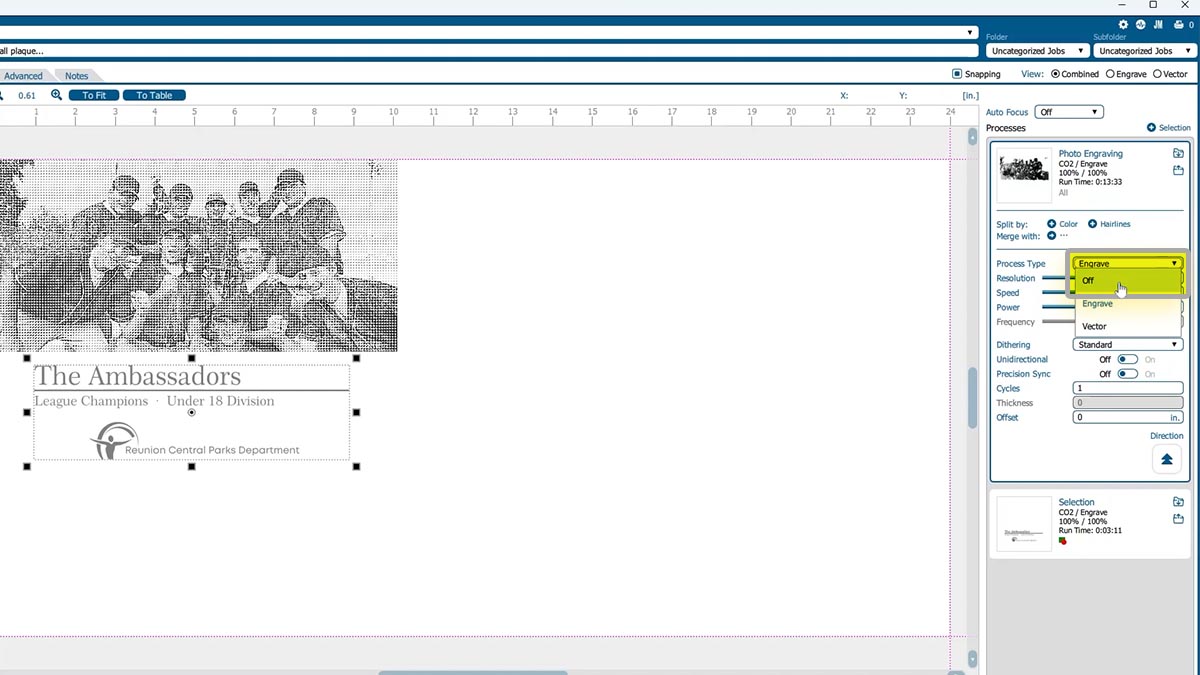
Adjust Settings
Adjust your settings for the deeper engraving.
Turn the video view back on and line up your artwork with the engraving.
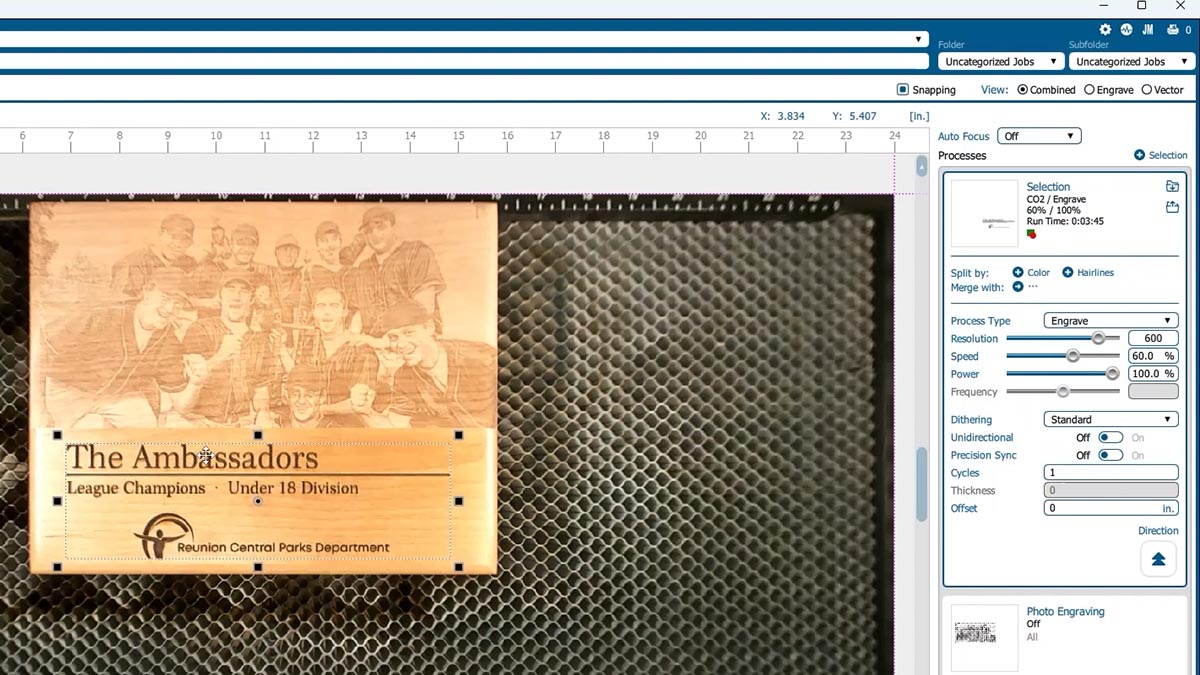
And print the file to the laser.
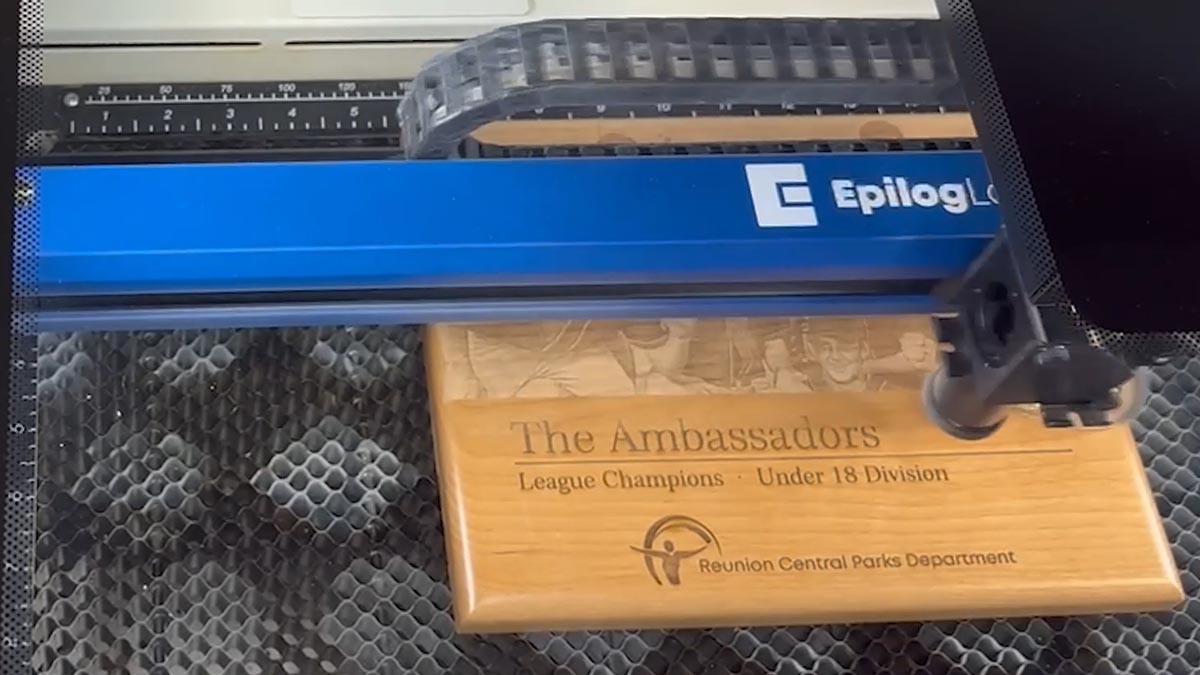
Now it’s perfectly lined up and looks ready to sell!
Was this helpful?
Thanks for your feedback!