Spray Backing Spray the adhesive backing with Pure Citrus air freshener and let it sit for 30 seconds. Peel Backing Now the adhesive backing should be quick and easy to remove from your acrylic. Wipe Clean Wipe off the remaining residue and you’re ready to engrave or (...)
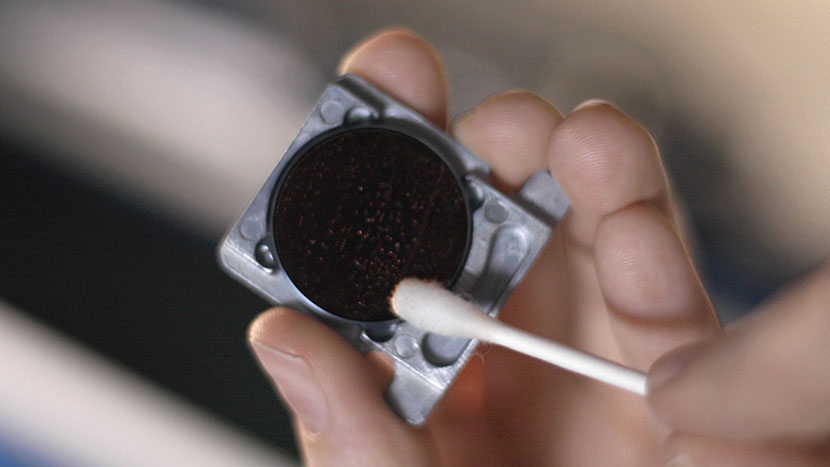
Cleaning Your Optics
Cleaning the Focusing Lens Optics The mirrors in the periscope housing are enclosed, and will likely require cleaning less often than the other components of the optics system. Let’s start by jogging the laser assembly toward the front of the machine for access to the optics, then we’ll turn off (...)
Laser Alignment – Maker / Edge / Pro
Turn On To begin the laser alignment procedure, power on the laser. For the following procedures, the table will be broken into four (4) positions. Each position is identified by its relative distance to the laser source and corresponds with the mirror to adjust for that position. Three of the (...)
Focus Calibrations – Fusion Maker, Edge, and Pro
Please find the attachment for an in-depth description.
Fiber Alignment – Fusion Pro 32 & 48
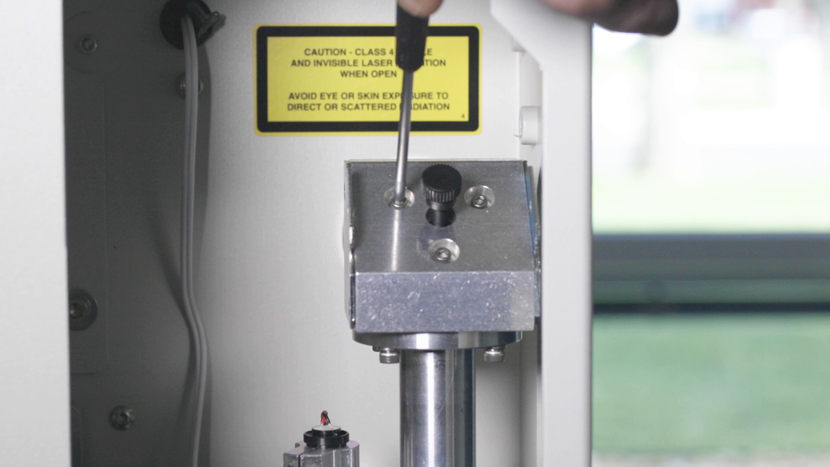
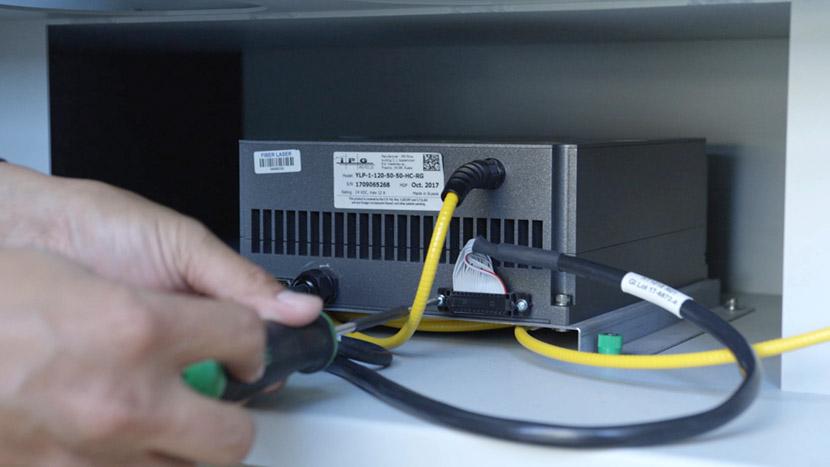
This guide provides step-by-step instructions for performing precise laser alignment on the Fusion Pro CO2 and Fiber laser systems. Proper alignment ensures optimal engraving performance and reduces the risk of hardware damage. Whether you’re troubleshooting a drop in laser power or aligning after maintenance, this document will walk you through (...)
Updating the Peripherals
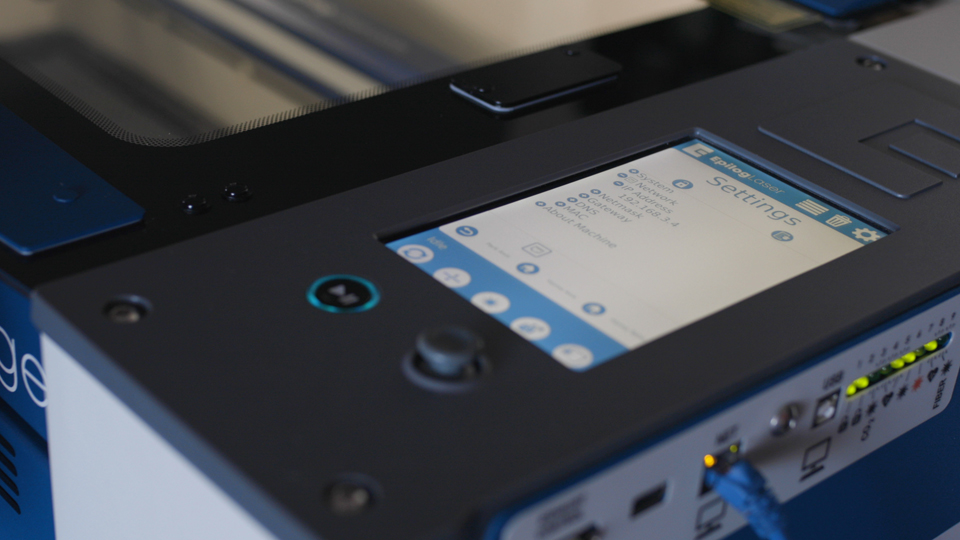
Peripheral updates ensure optimal performance and communication between the engraver’s programmable components by installing the latest firmware and configuration files. Programming the Peripherals On the display panel, tap the gear icon in the upper-right corner to open the Settings menu: Figure 1: Access the Settings menu by tapping the gear (...)
Touchpad Calibration – Fusion Maker, Edge, and Pro 24 and 36
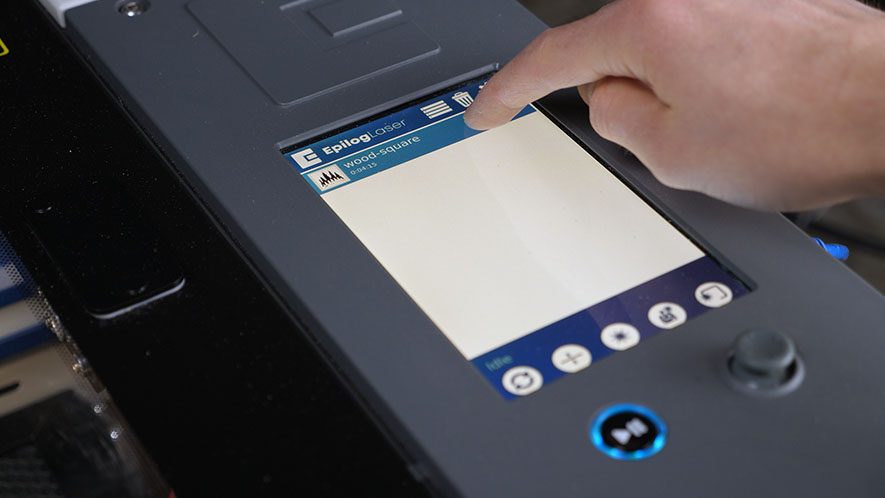
Estimated time: 5 minutes • Skill: Basic Touchscreen calibration ensures accurate touch response when selecting options and settings on the display. This procedure is rarely required and should only be performed if the touchscreen is registering incorrect inputs or responding inconsistently. Touchscreen Calibration Procedure Open the Settings menu. At the (...)
Leveling the Table
This document outlines the table leveling procedure for the Fusion Maker, Edge, and Pro 24 and 36. Table level should be checked periodically to ensure that all areas of the table are the same distance from the focusing lens. If all areas of the table are not the same distance (...)
Adjusting the Home and Park Positions
This document outlines the home and park position adjustment procedures for the Fusion Maker, Fusion Edge, and Fusion Pro.
X-Axis Belt Tensioning Guide
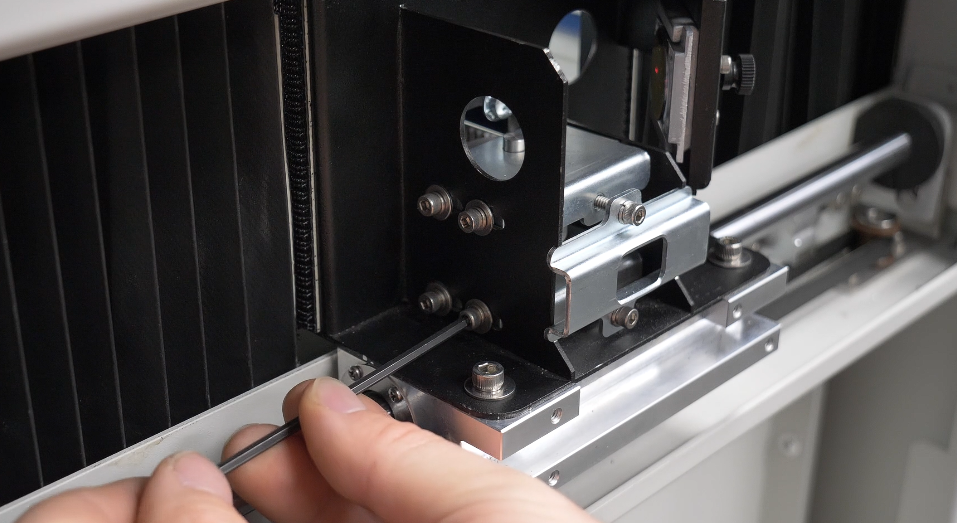
Identifying X-Axis Rail Version Before you begin, determine which version of the X-Axis rail is installed in your machine. Check the right side of the X-Axis rail: if there is no cutout, you have Revision 1; if there is a cutout, you have Revision 2. Follow the corresponding procedure based (...)
Carriage Optics Removal and Installation
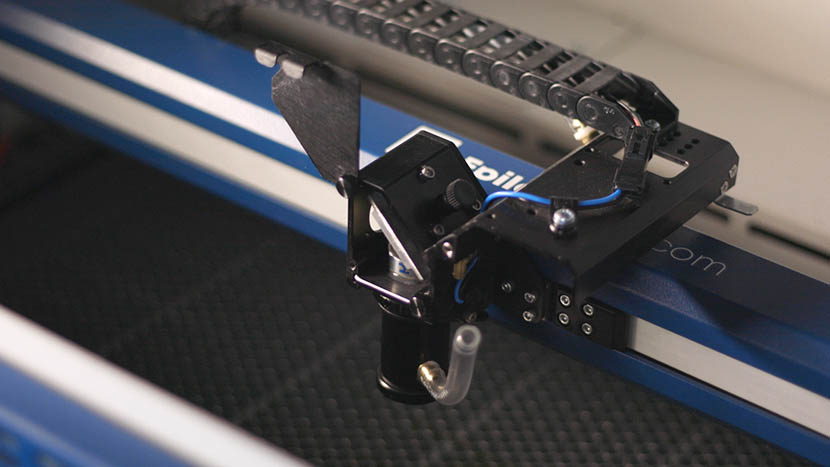
Proper removal and installation of the carriage optics in the Fusion 17000 laser system are essential for maintaining optimal performance and precision. This guide provides step-by-step instructions for safely removing and reinstalling key components, including the mirror, lens tube, and air assist tubing. Following these procedures ensures that the optics (...)
Extended Cold Start Guide
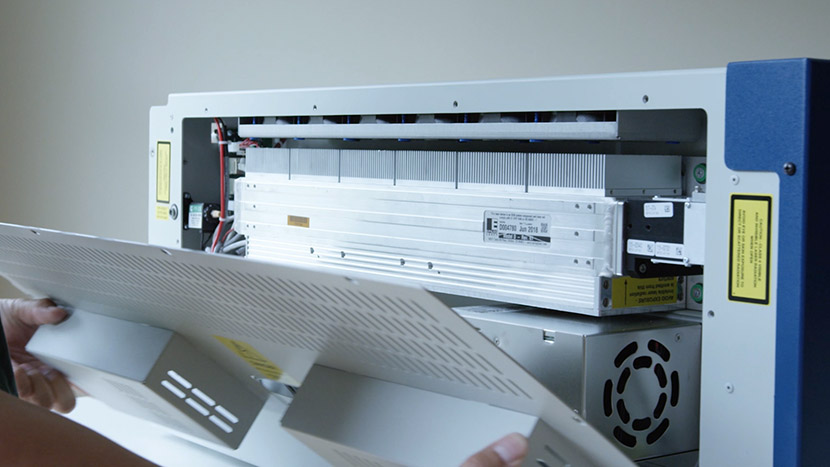
Lasers that have been inactive for a period of time may not fire right away. There are settings in the machine to help warm the laser before use. Please start with the CO2 Laser Tickle Settings guide first. If the laser has been inactive for an extended period of time, (...)