Turn On To begin the laser alignment procedure, power on the laser. For the following procedures, the table will be broken into four (4) positions. Each position is identified by its relative distance to the laser source and corresponds with the mirror to adjust for that position. Three of the (...)
CO2 Laser Alignment – Fusion Pro 32 & 48
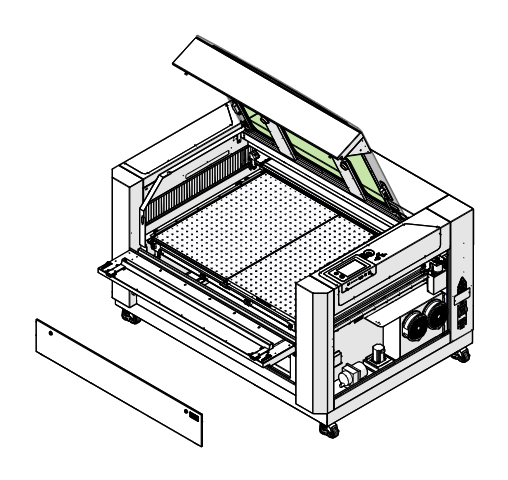
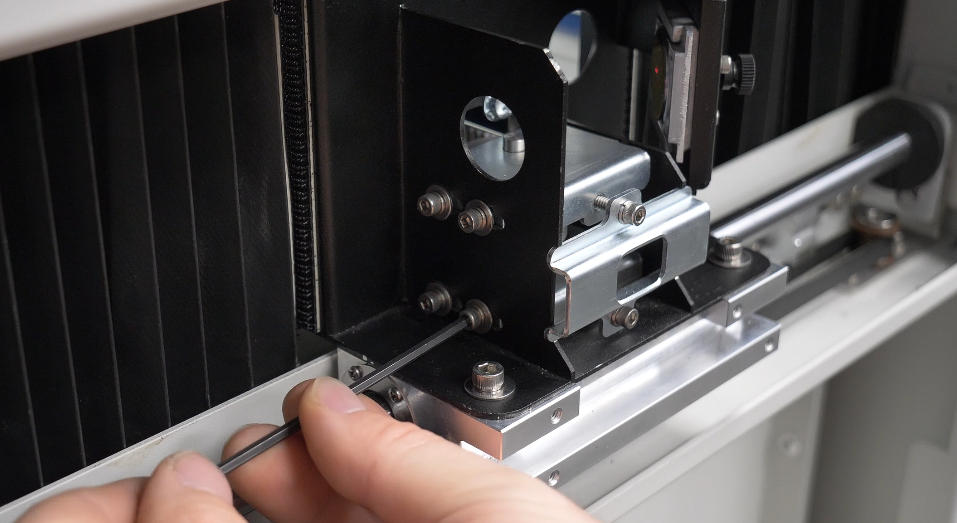
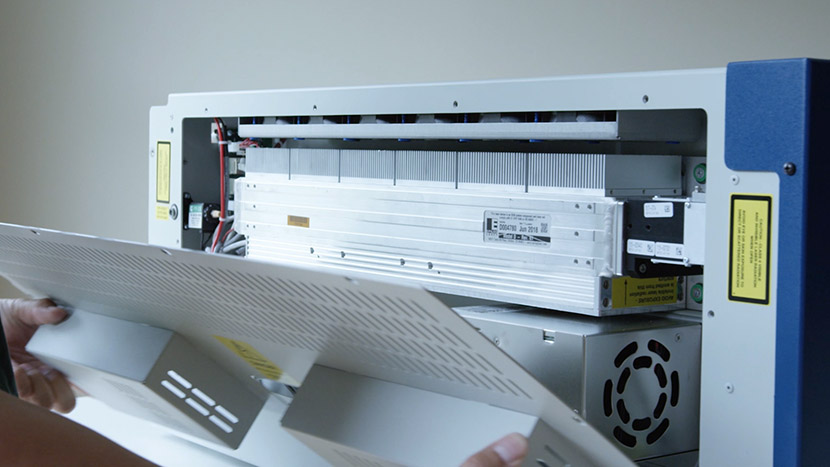
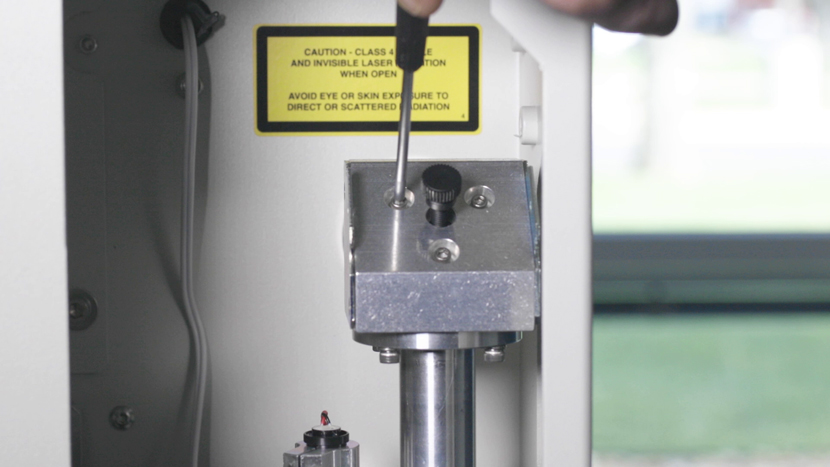
This guide covers aligning the CO2 laser on the Fusion Pro 32 and 48. The alignment has three parts: a pre-alignment that makes the CO2 laser and red dot coaxial, the cutting laser (mirror) alignment, and the perpendicular alignment. Parts Required CS0935 – Holder, Target, Alignment Tools / Materials Required (...)
Focus Calibrations – Fusion Maker, Edge, and Pro
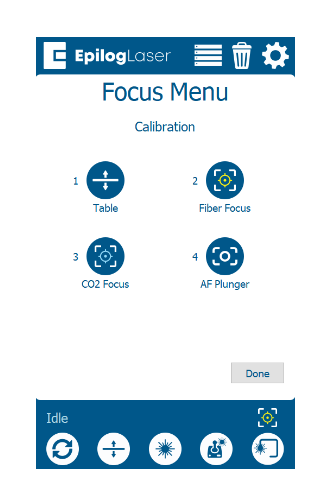
This guide covers focus calibration procedures for older firmware on the Fusion Maker, Fusion Edge and Fusion Pro 24, 32, 36 and 48. If your machine is running current firmware, refer to the Focus Calibration Wizard documentation instead. Focus calibrations keep the engraver working at the correct focal height. Parts (...)
Fiber Alignment – Fusion Pro 32 & 48
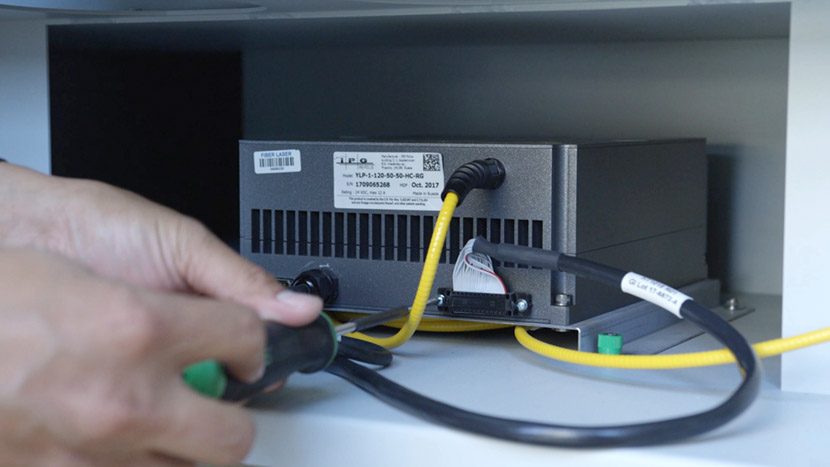
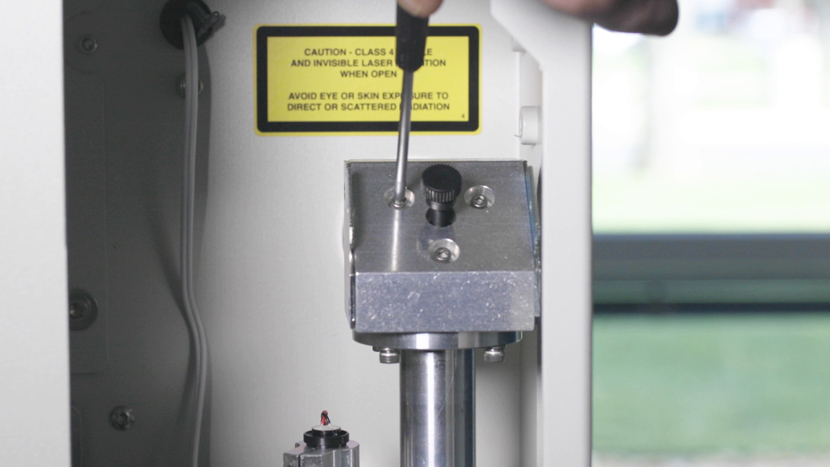
This guide covers aligning the fiber laser on a dual source Fusion Pro 32 or 48. The fiber laser is aligned to the CO2 laser’s beam path using the two fiber mirrors and the fiber laser’s red dot pointer. The fiber laser is not fired during this procedure. Parts Required (...)
Touchpad Calibration – Fusion Maker, Edge, and Pro 24 and 36
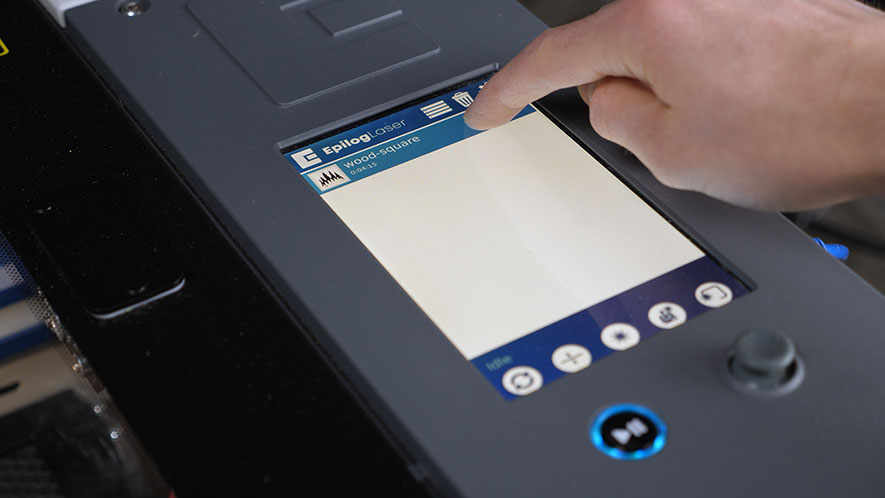
Estimated time: 5 minutes • Skill: Basic Touchscreen calibration ensures accurate touch response when selecting options and settings on the display. This procedure is rarely required and should only be performed if the touchscreen is registering incorrect inputs or responding inconsistently. Touchscreen Calibration Procedure Open the Settings menu. At the (...)
Fiber Laser Alignment
Fiber laser alignment is a crucial maintenance procedure to ensure the optimal performance of your Fusion Edge and Fusion Pro laser engravers. Over time, misalignment can occur due to regular use, component replacement, or moving the machine to a new location. This guide provides a step-by-step process for checking and (...)
Leveling the Table
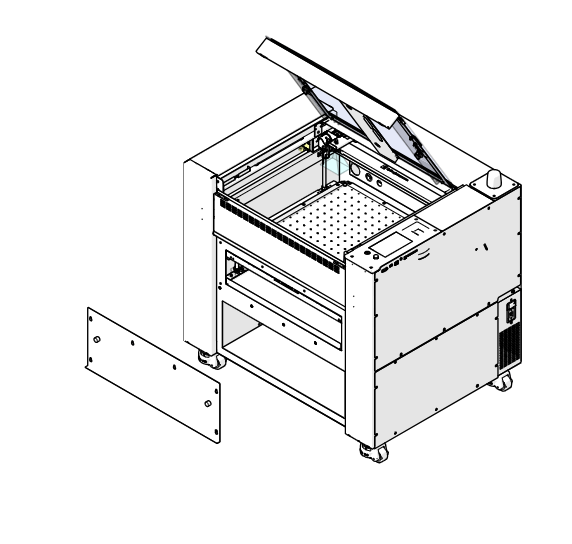
This guide covers leveling the table on the Fusion Maker, Fusion Edge and Fusion Pro 24 and 36: leveling the table tub at the lead screws, leveling the table inserts (Pro only), and confirming the level with autofocus. Parts Required None Tools / Materials Required 5/32" Allen Wrench 1/8" Allen (...)
Leveling the Table
This guide covers leveling the table on the Fusion Pro 32 and 48: leveling the table tub at the lead screws, fine tuning the engraving table inserts, and confirming the level with autofocus. Parts Required None Tools Required 5/32" Allen Wrench When to Level the Table Table level should be (...)
Adjusting the Home and Park Positions
This guide covers checking and adjusting the X and Y home position, the rotary home position and the park positions on the Fusion Maker, Fusion Edge and Fusion Pro 24, 32, 36 and 48. Parts Required None Tools / Materials Required Ruler, Measuring Tape or Calipers Scrap material that marks (...)
X-Axis Belt Tensioning Guide
Identifying X-Axis Rail Version Before you begin, determine which version of the X-Axis rail is installed in your machine. Check the right side of the X-Axis rail: if there is no cutout, you have Revision 1; if there is a cutout, you have Revision 2. Follow the corresponding procedure based (...)
Squaring the Y-Axis Actuators
Estimated time: 20–30 minutes • Skill: Intermediate This procedure explains how to square the Y-Axis rails on 16K-series laser systems. Proper squaring ensures smooth motion, accurate engraving, and prevents premature wear on the motion system components. Y-Axis Squaring Procedure Power off and disconnect the machine. Shut down the laser system (...)
Extended Cold Start Guide
Lasers that have been inactive for a period of time may not fire right away. There are settings in the machine to help warm the laser before use. Please start with the CO2 Laser Tickle Settings guide first. If the laser has been inactive for an extended period of time, (...)