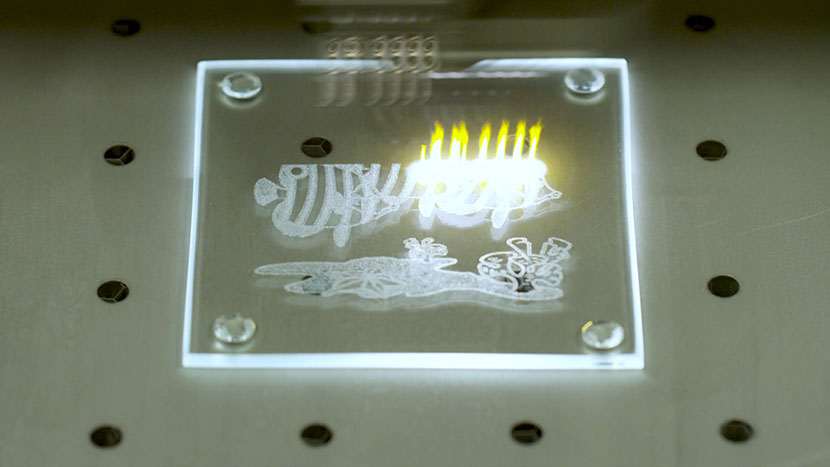
Glass Coaster Become familiar with the basics of etching glass. Setting Up Your Page We’ll start by creating a new file. Click on the Get Started option on your Welcome...
How and When To Use the Copy Background Image Feature Flatbed – Copying the Background Image We’ll start in the Laser Dashboard. Position your product on the engraving bed under...
How do I call Epilog Support? How do I contact Epilog Support? At Epilog, our goal is to resolve your issues as quickly and clearly as possible. To ensure that every case...
How Do I Choose My Laser System’s Wattage? How do I choose the correct wattage laser for my needs? The power of the laser source is measured in watts. Depending on the machine you are considering you will have...
How Much Combustible Gas is Released From Laser Engraving Is laser engraving releasing dangerous combustible gases? Combustible gas release from laser engraving is extremely minuscule. When materials are engraved with a laser, they emit combustion products....
How to Create a Jig for the Epilog Engraver How can I create a Jig in CorelDRAW? Creating a jig is a great way to approach engraving multiples of the same item, or when you have a...
How to Create a Snowflake Ornament in Corel X6 How can I use CorelDraw X6's Rotate feature to create a snowflake ornament? Snowflakes are a festive symbol reminiscent of the holiday season. Using a few tools in CorelDRAW, it’s easy to create...
How to Create Monograms for Your Laser How can I create a monogram using CorelDRAW? Monogram necklaces are exceptionally popular gifts. Here we’ll walk you through the steps of creating a monogram in CorelDRAW and...
How to Laser Engrave and Cut Fabrics How does fabric cutting and engraving work with the laser? Fabric is quickly becoming a very popular material for both engraving and cutting. Natural fibers, as well as synthetic fabrics,...
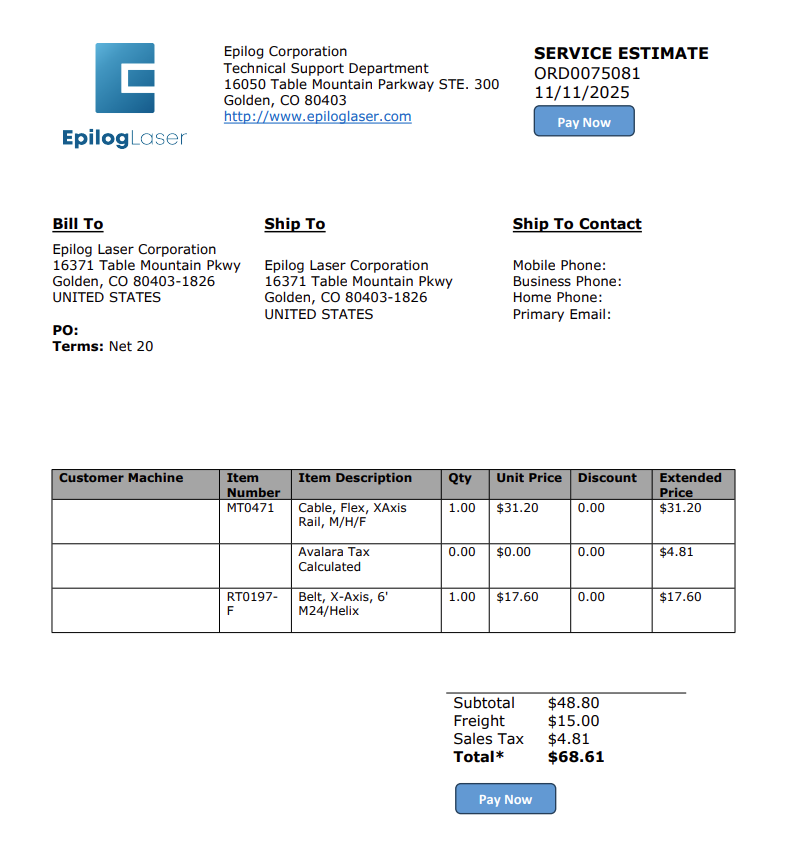
How To Pay For an Order Just got a quote from Epilog? Follow this quick guide to find your order and submit your credit card payment securely. Estimated time: 5 minutes • Skill: Basic This guide explains how to submit a credit card payment for an Epilog...
How to Quickly Make an Engraving Fix Using Epilog's IRIS camera to increase depth or improve engraving! Isolate Text This initial engraving looks good, but the text portion could be deeper! We can isolate the text to...
How to Set Up Artwork for Engraving with the Rotary Attachment How do I set up wrap-around artwork when engraving with the rotary attachment? Using your rotary attachment to create 360 degree engravings will give even more versatility to your Epilog laser system. Setting...
How to Set Up Graphics Software for Epilog Laser Systems This guide provides step-by-step instructions for configuring and using popular graphic design software with Epilog Laser systems. Software Setup CorelDRAW Setup Open CorelDRAW. Note: CorelDRAW Graphics Suite is the recommended CorelDraw version for use with Epilog Laser...
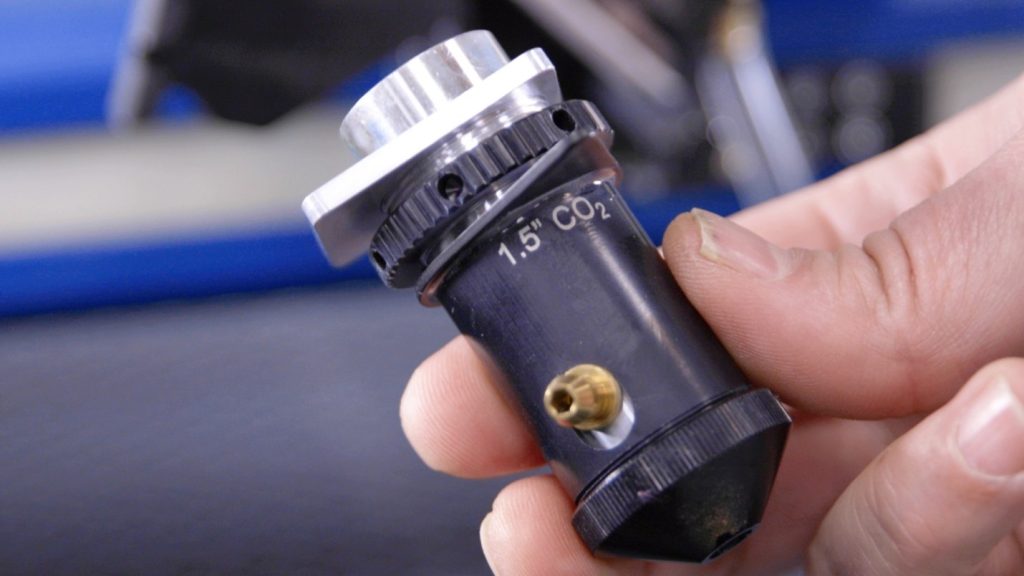
Installation and Use of the 1.5″ lens Installing the 1.5 inch Lens There are two thumb screws on the cover to the lens assembly. Turn them without...
Job Generator How do I use the "Generate" feature in the Epilog Software Suite? The Job Generator is a new feature available in version 2.2.14 of the Epilog Software Suite. It generates a grid...
Laser 3D Model Making with 123D Make How do I turn a 3D Model into a real-world object? Turning your 3D models into a real-world objects is quick and easy with the combined power of AutoDesk’s 123D Make...
Laser Engrave or Cut a City Map (Adobe Illustrator) How do I create city map artwork for cutting or engraving with my Epilog Laser? (Adobe Illustrator) Laser engraved or cut city maps are easy to create and will quickly become a great new addition to your...
Laser Engrave or Cut a City Map (CorelDRAW) How do I create city map artwork for cutting or engraving with my Epilog Laser? (CorelDRAW) Laser engraved or cut city maps are easy to create and will quickly become a great new addition to your...